




How to Bring a Shape to Front in your Design
Having many elements on your design can be confusing to manage. This tutorial will show you how to arrange elements above or below each other to create the best design. Watch it now and feel free to create your own design at VP online.
There are 2 methods to bring elements above
Method 1:
- Select the item to be arrange
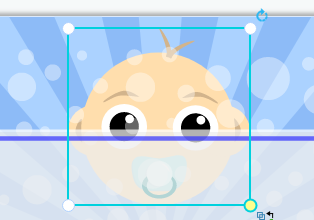
- Press “Ctrl” + “Shift” + “F” at once

- The items would be immediately arrange to the top
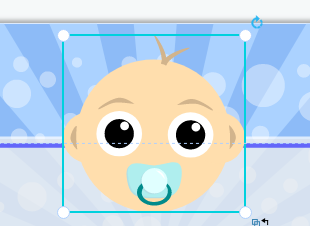
Method 2:
- Select the item to be arrange
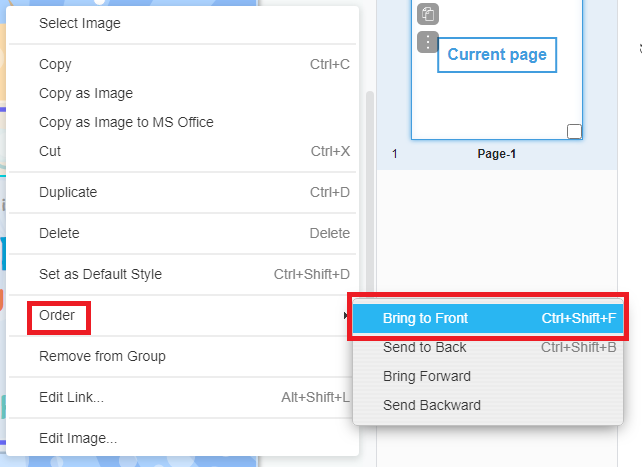
- Right click on the items to view the pop up menu
- Hover over “order” and click “bring to the front”
Noted; Make to to select on the items directly instead of any other overlaping items. Would you like to create your own design? Click here to view our templates!!!
This post is also available in Deutsche, Español, فارسی, Français, English, Bahasa Indonesia, 日本語, Polski, Portuguese, Ру́сский, Việt Nam, 简体中文 and 繁體中文.
