




How to extract audio from video
If we want to store or use the audio of a video, we no longer need to store the whole video. VP online file converter helps you extract the audio from the video for free. In this article, we will show you the steps how to do the extraction.

How to extract audio from video
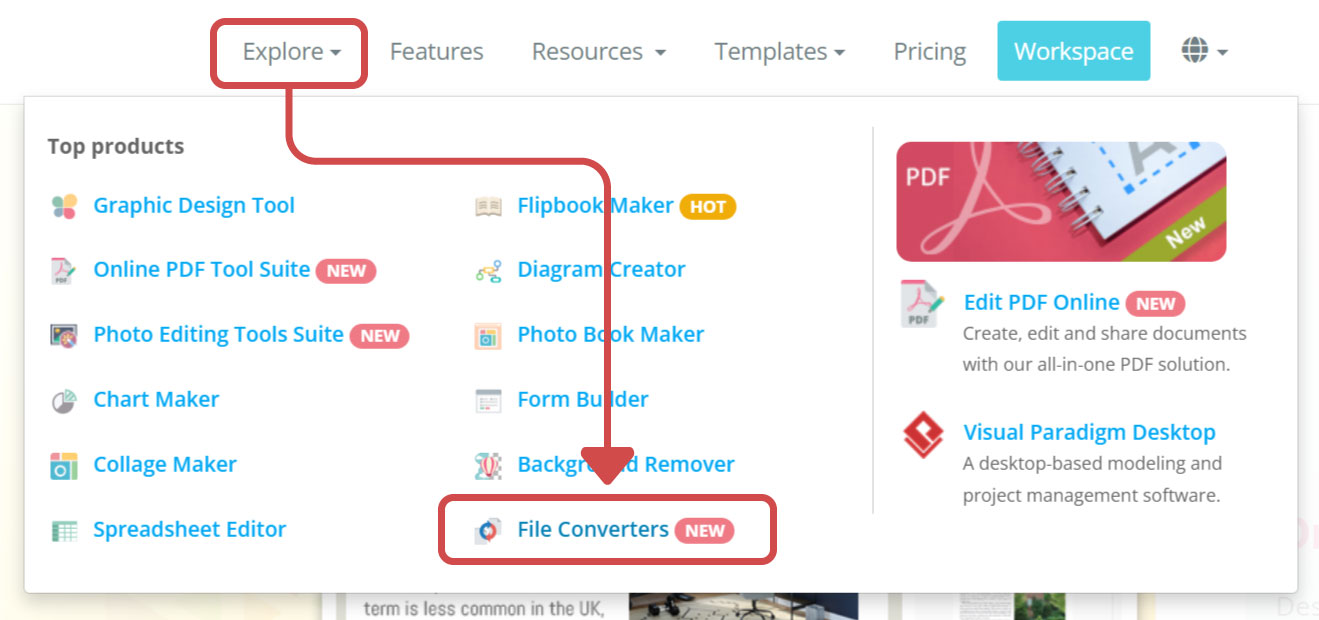
In VP Online, go to Explore -> File Converters.
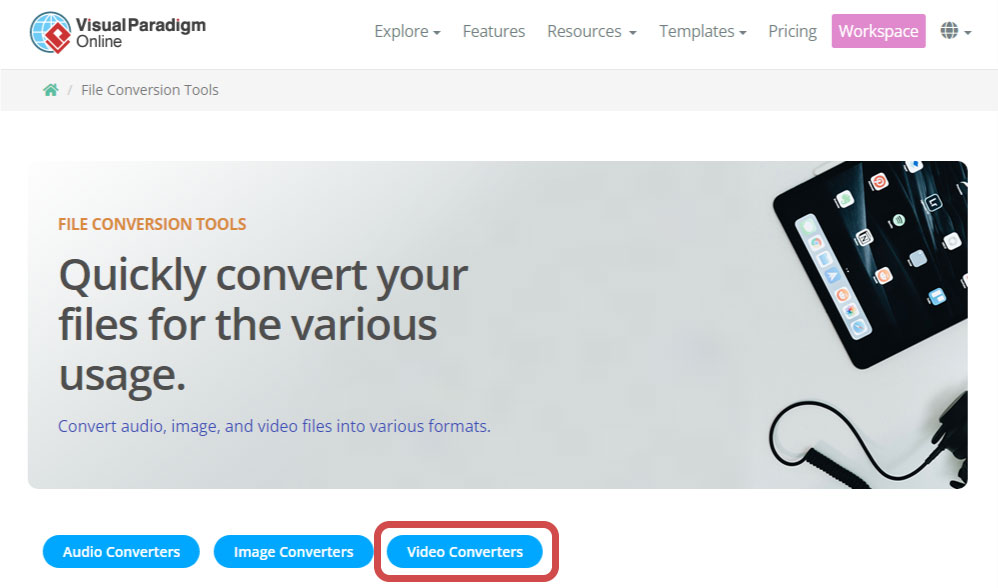
Click Image Converters to go to the corresponding part quickly.
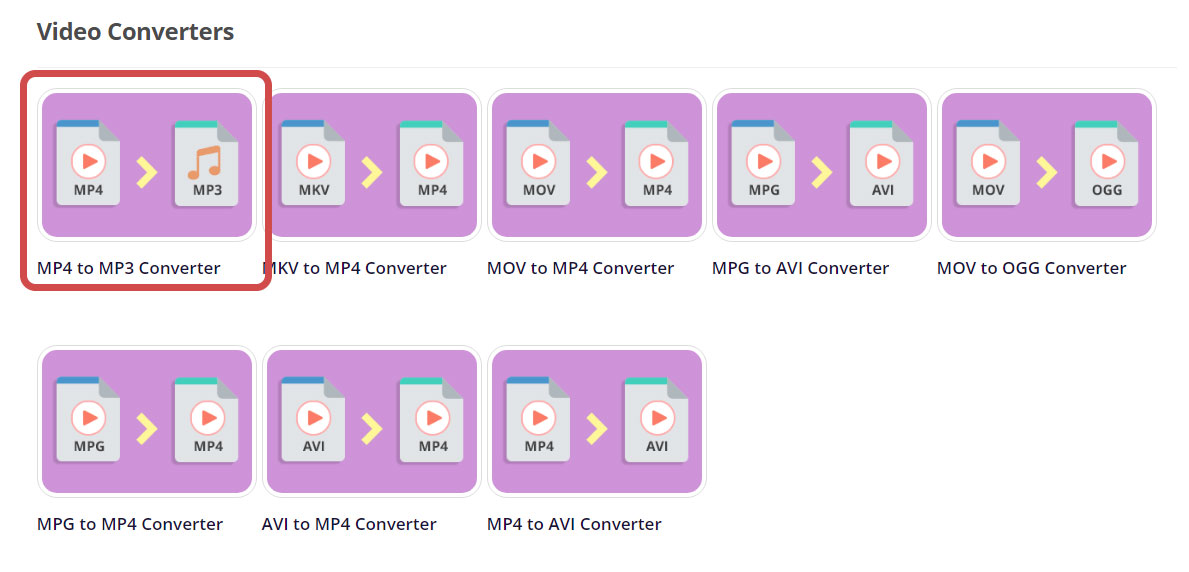
Then, select MP4 to MP3 Converter.
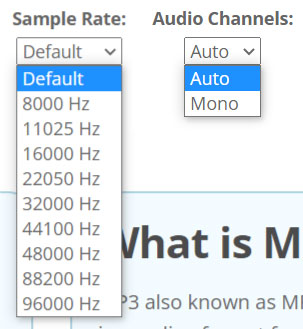
Upload the video(mp4) to the page, we can then set the sample rate and also the audio channels.
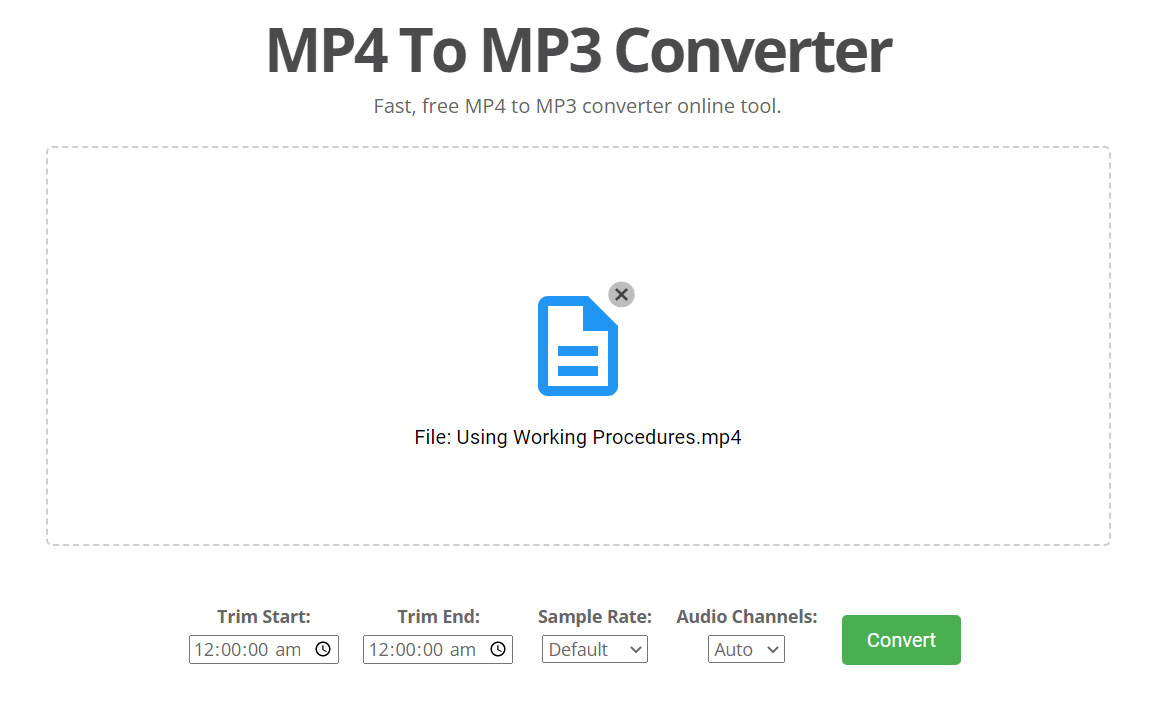
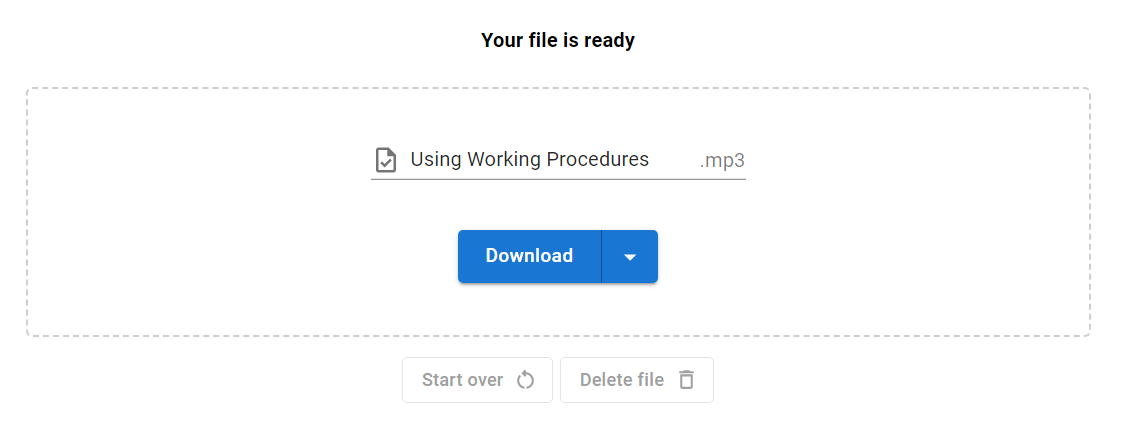
After the conversion, we can then download the audio to our device.
This post is also available in Deutsche, Español, فارسی, Français, English, Bahasa Indonesia, 日本語, Polski, Portuguese, Ру́сский, Việt Nam, 简体中文 and 繁體中文.
