Home » Archives for Admin » Page 13
-
Posted on September 21, 2023
-
/Under Diagram
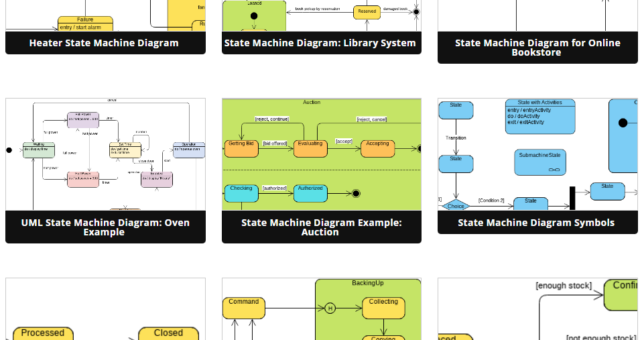
Introduction State Machine Diagrams are an essential tool in software engineering and system modeling. They help you visualize how objects or systems transition between various states in response to events. State Machine Diagrams are widely used in fields like software development, control systems, and business process modeling. In this beginner's guide, we'll introduce you to the basics of State Machine Diagrams and show you how to create them using Visual Paradigm Online, a powerful diagramming tool with a large collection of templates. What is a State Machine Diagram? A State Machine Diagram is…
continue reading →
-
Posted on September 21, 2023
-
/Under Diagram
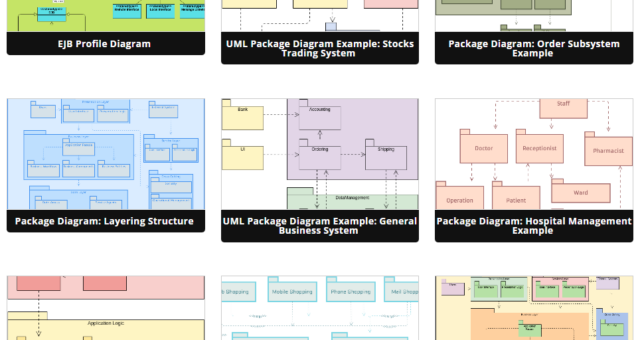
Introduction Package diagrams are an essential tool in software engineering, helping you organize and visualize the structure of your software system. They are part of the Unified Modeling Language (UML) and provide a high-level view of how different elements in your system are grouped into packages. In this beginner's guide, we will introduce you to package diagrams and demonstrate how to create them using Visual Paradigm Online, a powerful online diagramming tool with a large collection of templates. What is a Package Diagram? A package diagram is a UML diagram that represents the…
continue reading →
-
Posted on September 21, 2023
-
/Under Diagram
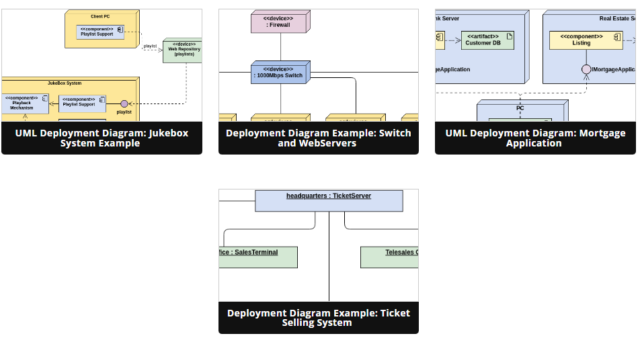
Introduction Deployment diagrams are an essential tool in software engineering that allow you to visualize and understand how software components and hardware elements interact within a system. They help you plan the deployment of your software application across different servers, devices, and environments. In this beginner's guide, we'll introduce you to deployment diagrams and show you how to create them using Visual Paradigm Online, a user-friendly diagramming tool with a wide range of templates and examples. What is a Deployment Diagram? A deployment diagram in software engineering is a type of UML (Unified…
continue reading →
-
Posted on September 21, 2023
-
/Under Diagram
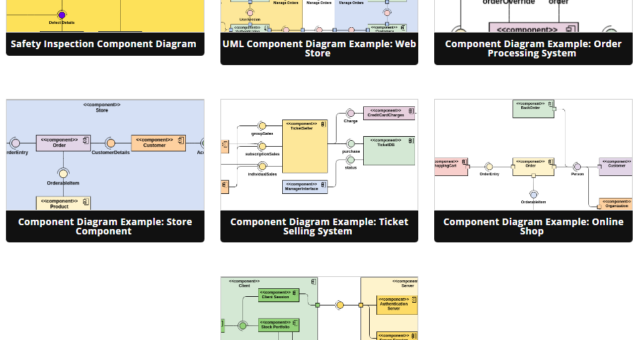
Introduction Unified Modeling Language (UML) is a visual language used in software engineering to model and design software systems. Component diagrams are one of the UML diagrams used to represent the high-level structure of a software system in terms of its components and their relationships. In this beginner's guide, we will introduce you to component diagrams in UML and show you how to create them using Visual Paradigm Online, a popular online UML modeling tool with a large collection of templates. What is a Component Diagram? A component diagram in UML provides a…
continue reading →
-
Posted on September 21, 2023
-
/Under Diagram
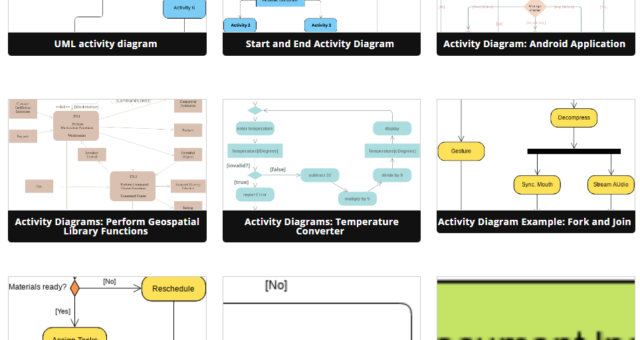
Introduction Activity diagrams are a vital tool in the world of software engineering and business process modeling. They help you visualize and understand the flow of activities within a system, process, or workflow. Visual Paradigm Online, a popular diagramming tool, offers a wide range of templates and features to help you create activity diagrams effectively. In this beginner's guide, we'll introduce you to activity diagrams and demonstrate how to use Visual Paradigm Online's extensive template library to learn and create your own diagrams. What is an Activity Diagram? An activity diagram is a…
continue reading →
Introduction Class diagrams are an essential part of object-oriented modeling and are widely used in software development to visualize and design the structure of a system. In this beginner's guide, we will introduce you to class diagrams, explain their key components, and show you how to create them using Visual Paradigm Online, a versatile modeling tool with a large collection of templates. What is a Class Diagram? A class diagram is a type of UML (Unified Modeling Language) diagram that represents the static structure of a system. It provides a visual representation of…
continue reading →
-
Posted on September 21, 2023
-
/Under Diagram
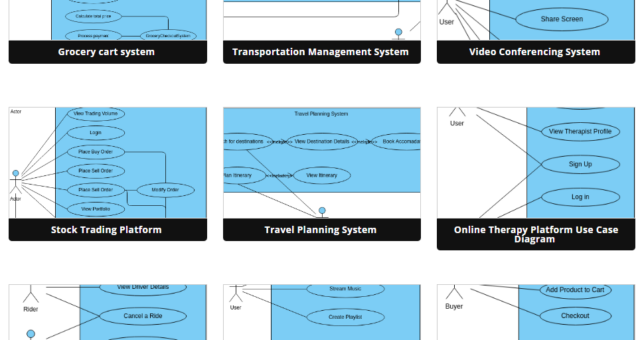
Introduction Use case diagrams are a fundamental tool in the field of software engineering and systems analysis. They help visualize the interactions between users or external systems and a software system. Use case diagrams are widely used to capture, define, and communicate the functional requirements of a system. In this beginner's guide, we will introduce you to use case diagrams and show you how to create them using Visual Paradigm Online, a powerful diagramming tool. What is a Use Case Diagram? A use case diagram is a graphical representation of the interactions…
continue reading →
-
Posted on September 21, 2023
-
/Under Diagram
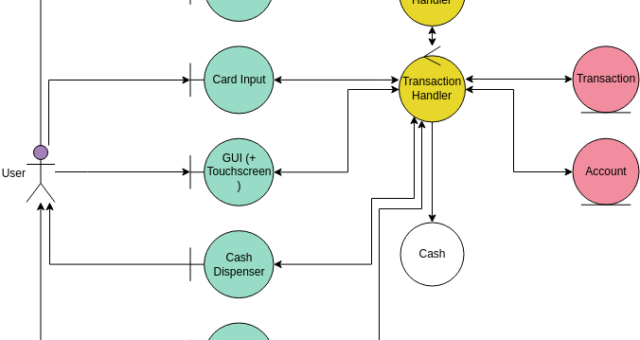
Introduction Robustness analysis is a crucial step in software design, bridging the gap between the understanding of what a system needs to accomplish (analysis) and how it will be implemented (design). It helps designers make assumptions about the system's design and think about possible technical solutions. One valuable tool in robustness analysis is the Robustness Diagram, introduced by Rosenberg and Stephen in 2007. While not part of the official UML specification, robustness diagrams leverage UML concepts to represent the behavior of a system. In this tutorial, we will delve into the principles, elements,…
continue reading →
Sharing your slideshow with a community can be a brilliant way to foster collaboration and engagement. By opening up your presentations to a wider audience, you create an opportunity for valuable feedback, insights, and diverse perspectives. Sharing your ideas, knowledge, and creativity within a community not only boosts your own growth but also contributes to the collective learning experience. It's a platform for mutual inspiration, learning from others, and building connections that can lead to fruitful collaborations. Embracing this approach empowers you to refine your content, receive constructive input, and create a dynamic…
continue reading →
Organizing our slideshows on a bookshelf provides a structured and visually appealing way to manage and access our presentation content. Similar to how books are neatly arranged on shelves for easy retrieval, arranging slideshows on a virtual bookshelf allows us to categorize, store, and access our presentations efficiently. This approach offers a user-friendly experience, enabling quick navigation and selection of the desired slideshow. With a bookshelf-like organization, we can maintain a well-organized library of presentations, making it simpler to locate and share relevant content for different occasions or purposes. This method not only…
continue reading →