



VP AI Chatbot: A Comprehensive Guide

VP AI Chatbot, Visual Paradigm’s AI assistant for visual modeling, turns plain-language descriptions into diagrams and helps you refine, analyze, document, and share them. Its main value is not simply that it can answer questions—it connects a conversation to a visual modeling workflow. You describe what you want to explain or design, then work with the resulting diagram.
What it does
Instead of starting with a blank canvas or writing diagram syntax, you can describe a system, process, or business idea in everyday language. For example:
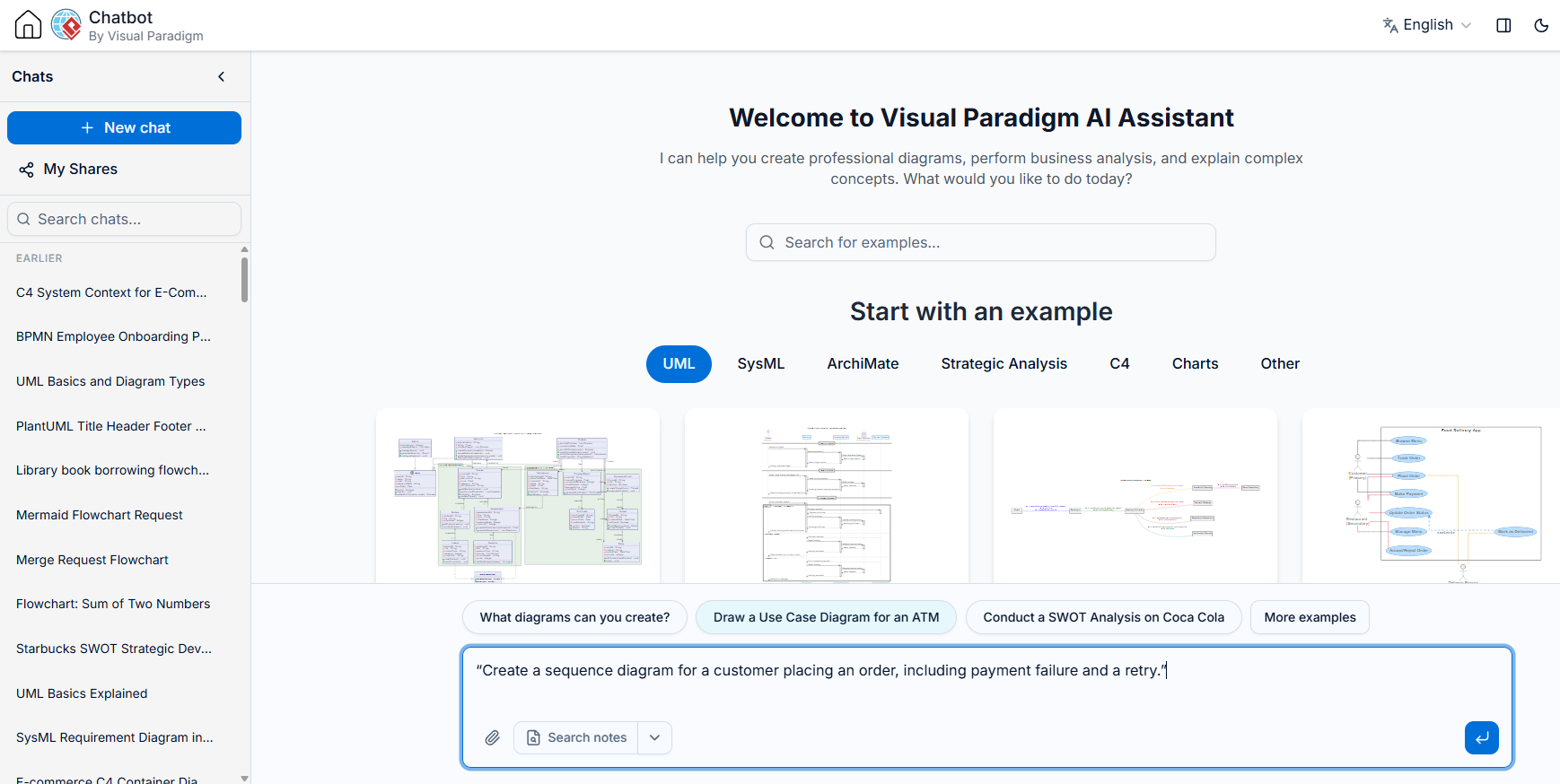
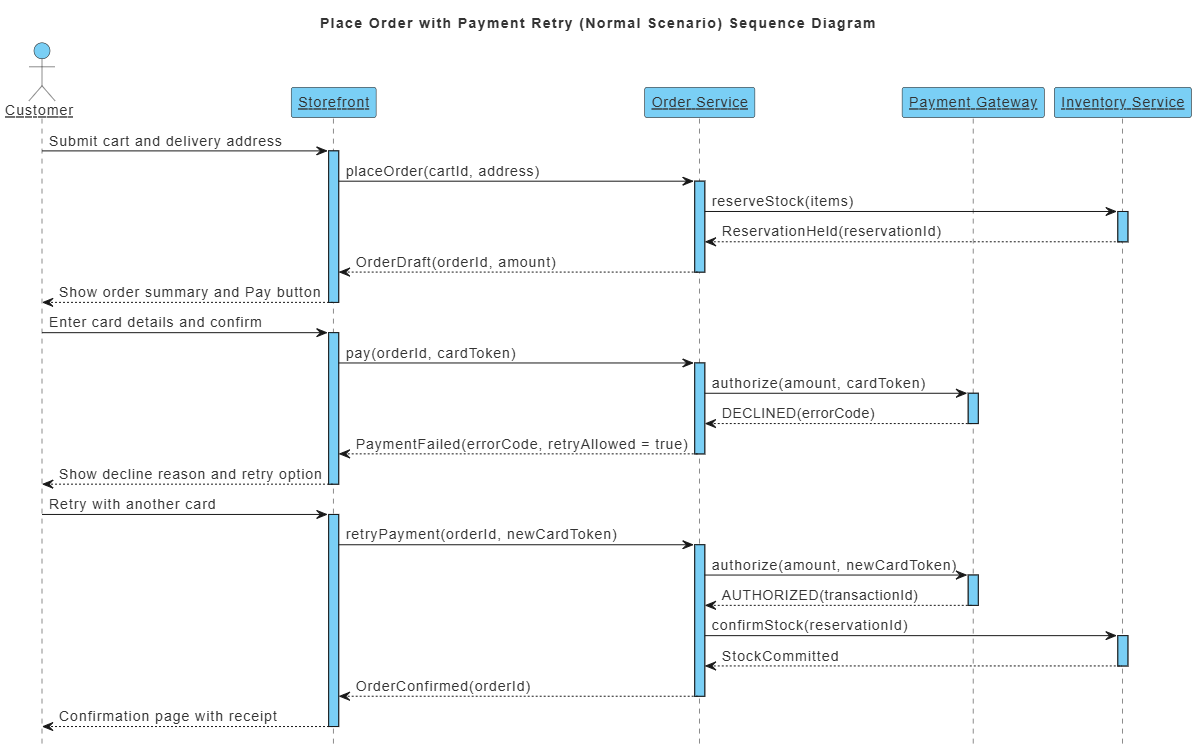
“Create a sequence diagram for a customer placing an order, including payment failure and a retry.”
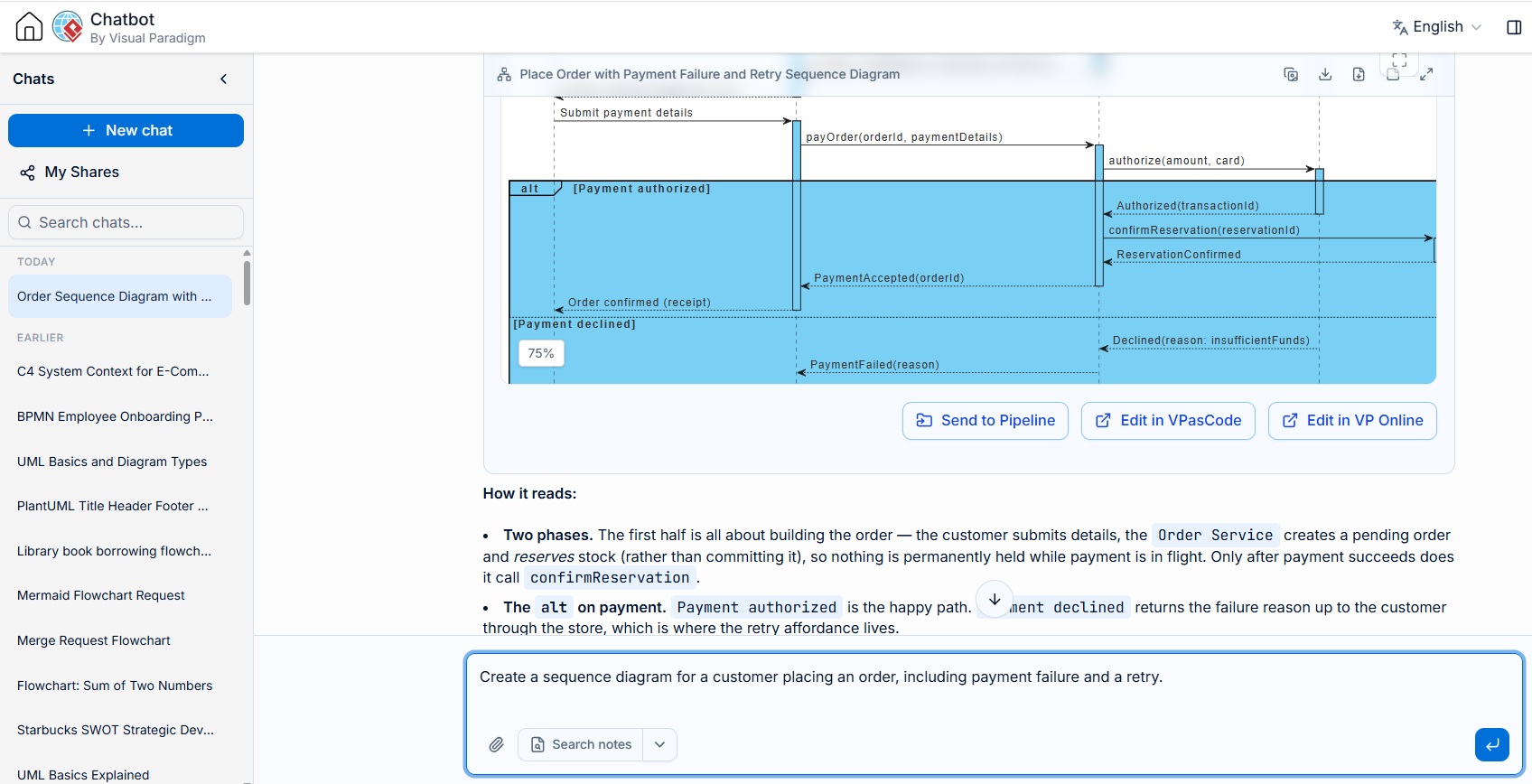
The chatbot generates a diagram, which you can then adjust through follow-up instructions—such as adding a payment gateway, renaming a participant, or expanding a process into more detail.
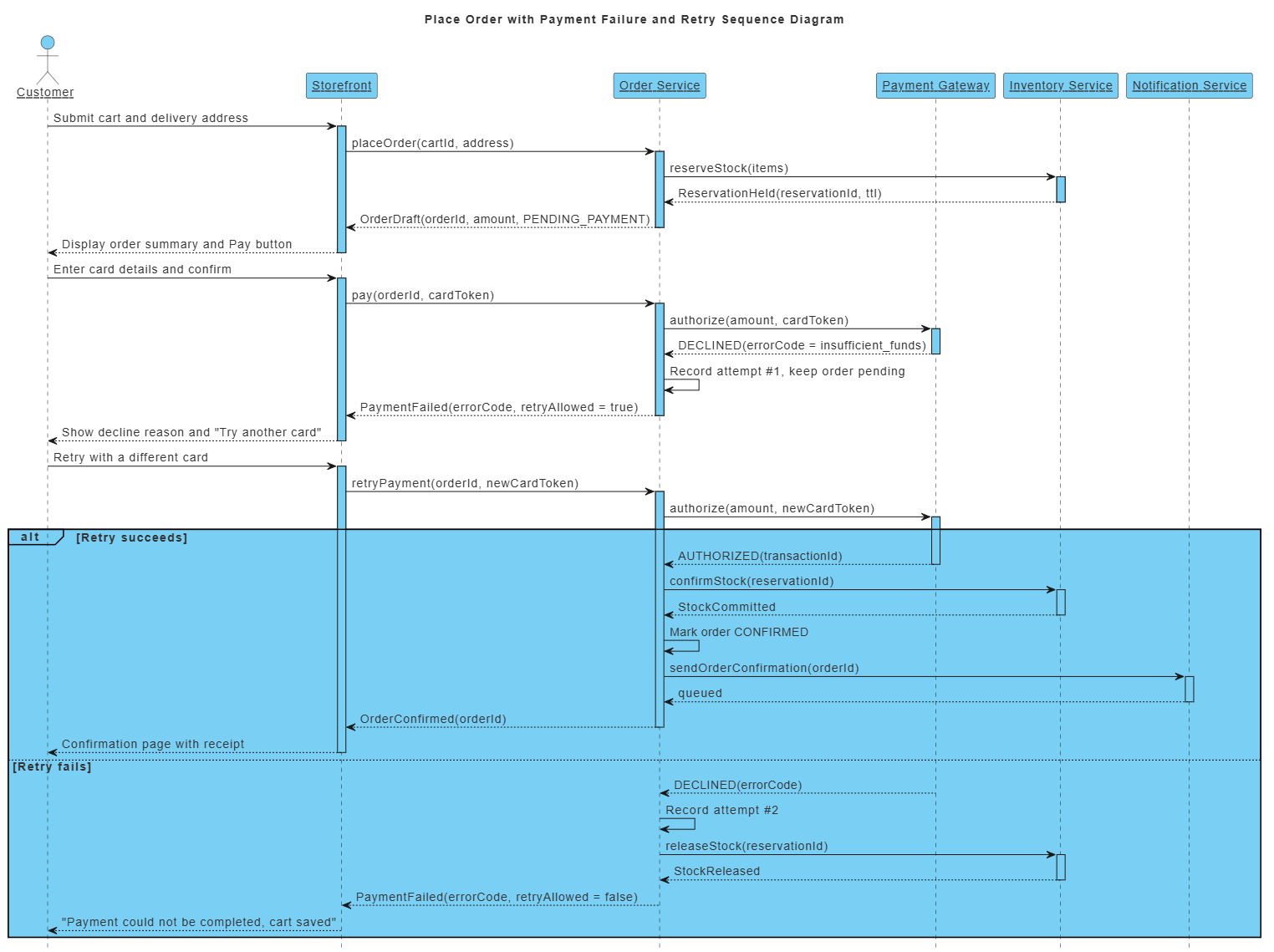
The product supports a range of diagramming and modeling tasks, including UML, BPMN, C4, ArchiMate, SysML, flowcharts, and strategic-analysis diagrams. The exact choices available can depend on the diagram type and Visual Paradigm product or edition you use.
Key features and benefits
-
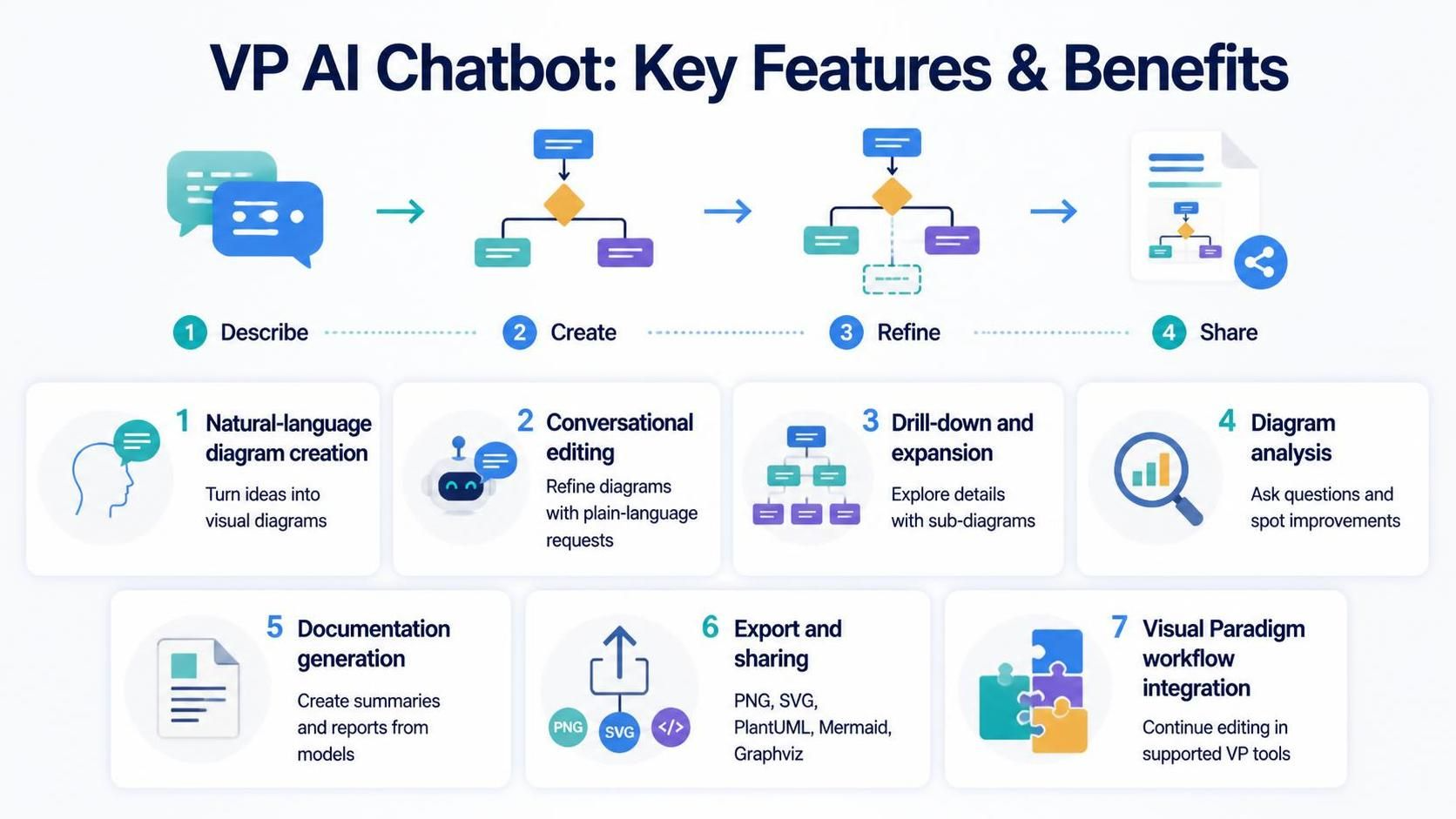
Natural-language diagram creation: Turn requirements or rough ideas into a visual starting point without first mastering a diagramming language.
-
Conversational editing: Ask for changes in plain language, then continue refining the same diagram rather than repeatedly starting over.
-
Drill-down and expansion: Explore selected parts of a model and create more detailed sub-diagrams when a high-level view is not enough.
-
Diagram analysis: Ask questions about a model and request explanations or suggestions for improvement.
-
Documentation generation: Create summaries, reports, and other written material based on the visual model.
-
Export and sharing: Export diagrams in formats such as PNG or SVG, and use supported text-based formats including PlantUML, Mermaid, and Graphviz. The official feature page also describes saving sessions and sharing them through links.
-
Visual Paradigm workflow integration: Continue working with generated diagrams in Visual Paradigm’s online or desktop tools, where available. Some features and import options depend on the product edition or subscription.
Why choose it over a general free LLM?
A general free LLM can be useful for brainstorming, explaining concepts, or producing diagram code. But in many cases, you still have to choose the notation, prepare or repair the syntax, render the output, and move it into the modeling software where you will continue editing.
VP AI Chatbot is designed around that diagram-making process:
| Need | General-purpose free LLM | VP AI Chatbot |
|---|---|---|
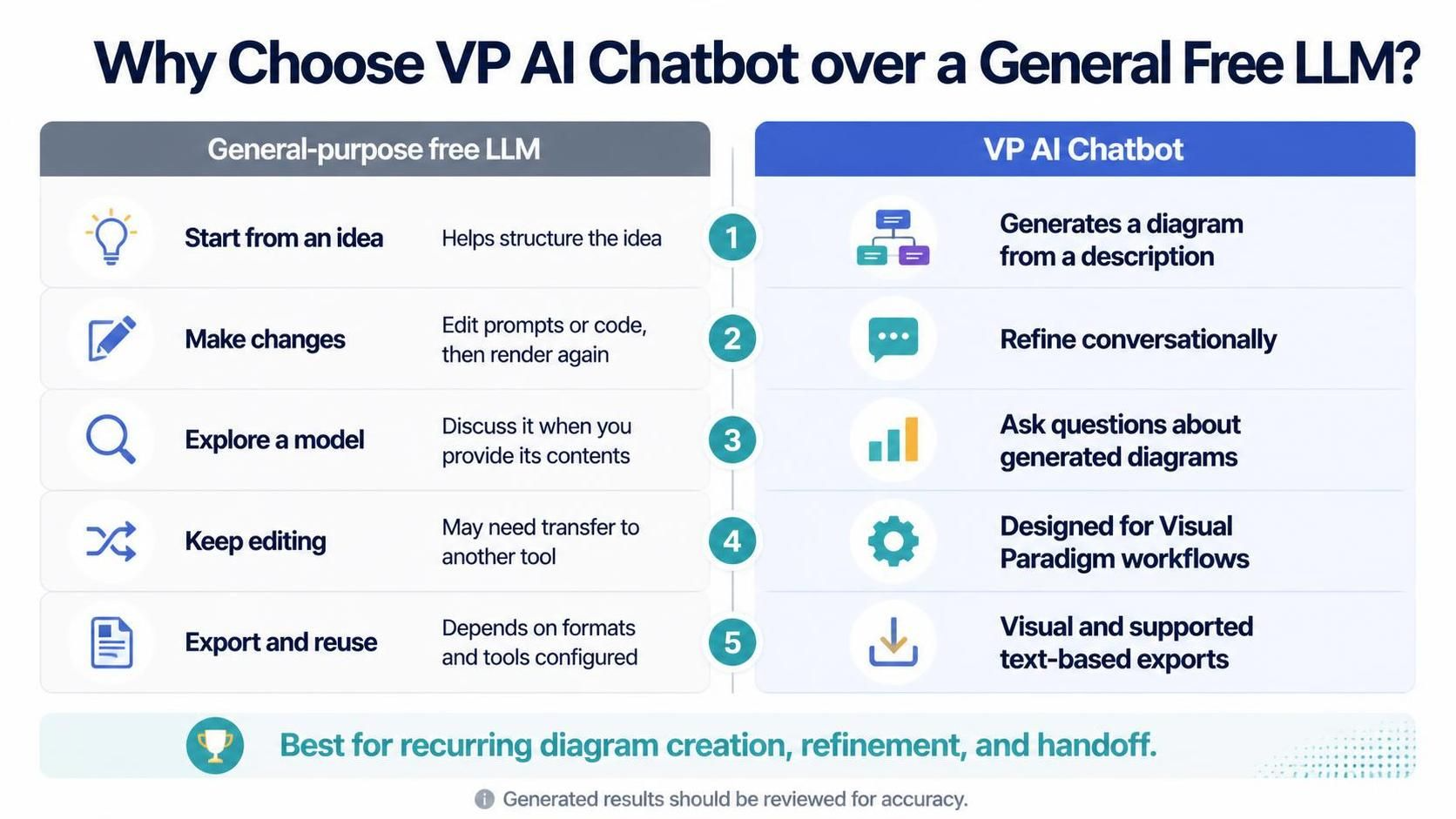
| Start from a plain-language idea | Can help interpret or structure the idea | Generates a diagram directly from a description |
| Make iterative changes | Often means editing a prompt or code block and rendering again | Lets you request changes conversationally |
| Explore a model | Can discuss a diagram if you provide its contents | Lets you ask questions about generated diagrams |
| Continue editing | May require transferring output into another tool | Designed to connect with Visual Paradigm’s modeling environment |
| Export and reuse | Depends on the format and tools you configure | Offers visual exports and supported text-based formats |
The distinction is workflow, not a guarantee that every output is correct. A general LLM may be enough if you only need occasional suggestions or simple diagram code. VP AI Chatbot is more compelling when you repeatedly create, revise, discuss, and hand off diagrams as part of a project. Visual Paradigm describes the chatbot as supporting diagram generation, conversational refinement, model analysis, documentation, and integration with its product suite.
Why it stands out
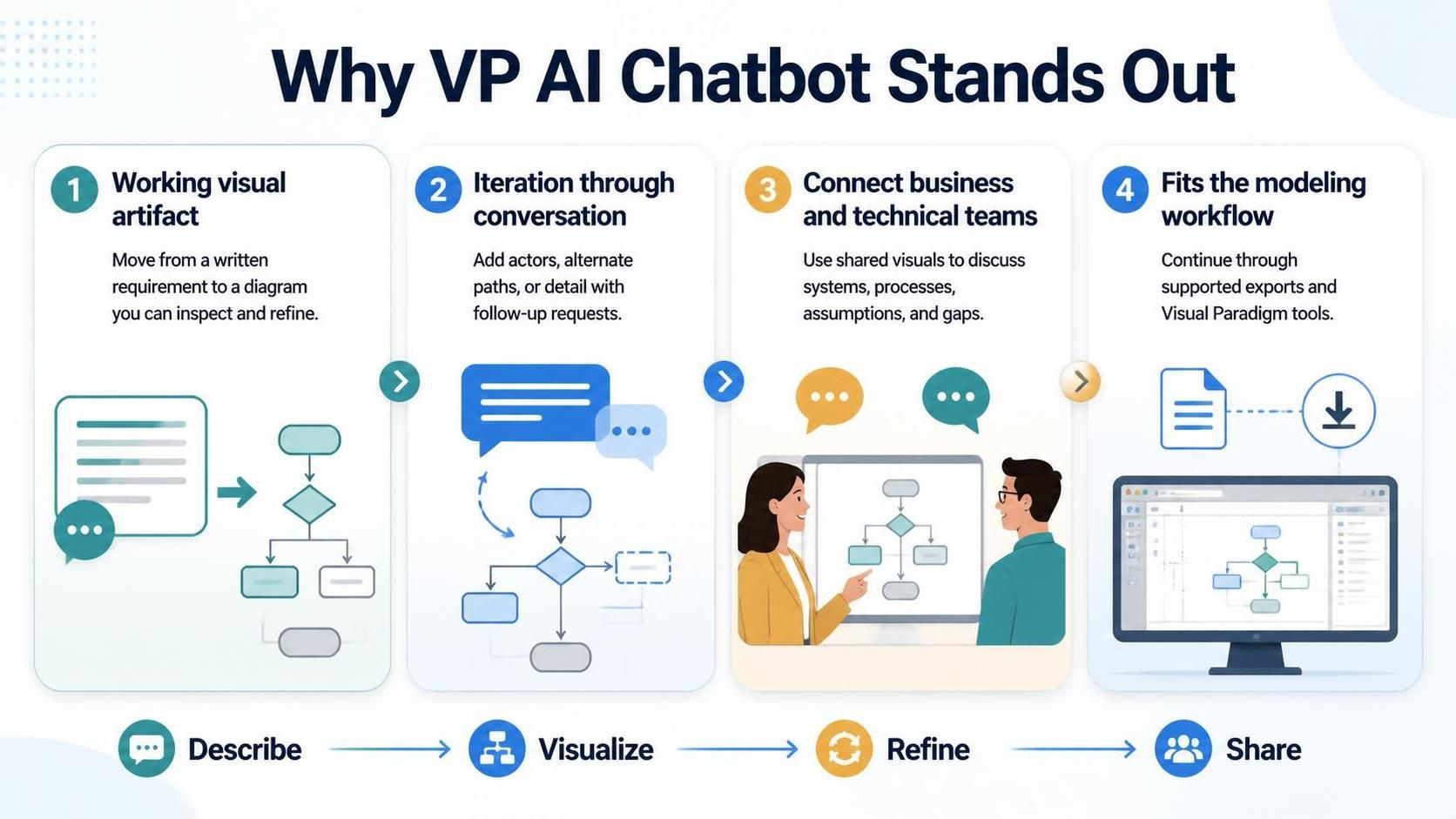
It produces a working visual artifact, not just advice. The central benefit is moving from a written requirement to a diagram that can be inspected and refined.
It makes iteration part of the conversation. A diagram is rarely finished on the first attempt. Asking for a missing actor, an alternate path, or a more detailed view can be more practical than manually reconstructing the model after each change.
It helps connect audiences. Product owners and analysts can describe what a system should do, while developers and architects can use diagrams to discuss components, interactions, and process logic. A shared visual can make assumptions and gaps easier to spot.
It fits a broader modeling workflow. Exports, text-based diagram formats, and links to Visual Paradigm tools give users ways to continue beyond the initial chatbot session.
Who is most likely to benefit?
VP AI Chatbot is a good fit for:
-
Product managers and business analysts who need to turn requirements into process or use-case diagrams.
-
Software developers and architects who want quick drafts of system structures, interactions, or deployment ideas.
-
Consultants and project teams who need visuals for reviews, workshops, or stakeholder discussions.
-
Students and people new to modeling who want to explore diagrams using natural language before learning every notation rule.
It may be less useful if you only want a general-purpose writing assistant, or if your work requires a highly specialized diagram that the product does not support.
A practical way to use it
-
State the purpose and diagram type. For example: “Create a UML sequence diagram for password reset in a mobile app.”
-
Describe the important elements. Name the people or systems involved, the main steps, and any conditions or exceptions.
-
Review the first draft. Check whether the actors, relationships, sequence, and assumptions match your requirements.
-
Refine with specific instructions. Try requests such as “Add an expired-link branch” or “Show the email service as a separate participant.”
-
Ask for an explanation or analysis. Use questions like “What assumptions does this diagram make?” or “Which failure paths are missing?”
-
Export or continue editing. Choose a supported export format or move the work into the appropriate Visual Paradigm environment.
Getting better results
Prompts work best when they specify the system boundary, participants, sequence, conditions, and desired level of detail. For example:
“Create a UML activity diagram for an online order. Include customer checkout, inventory validation, payment approval, confirmation, and the alternate path when payment is declined. Keep the diagram at a high level.”
Treat the output as a draft for review, especially for complex systems or decisions that affect implementation. Confirm that important rules and exceptions are represented accurately; AI-generated diagrams can reflect incomplete or ambiguous requirements.
Bottom line
People choose VP AI Chatbot when they want AI to help with visual modeling, not just general conversation. Its appeal is the combination of natural-language diagram generation, conversational revisions, model-focused analysis, documentation, and a path into Visual Paradigm’s wider editing workflow. If your work often involves turning requirements into diagrams and improving them with others, that focused workflow can be more useful than starting with a general free LLM.
