



FREE UML Tool: Visual Paradigm Community Edition: A Comprehensive Guide and Review
Overview
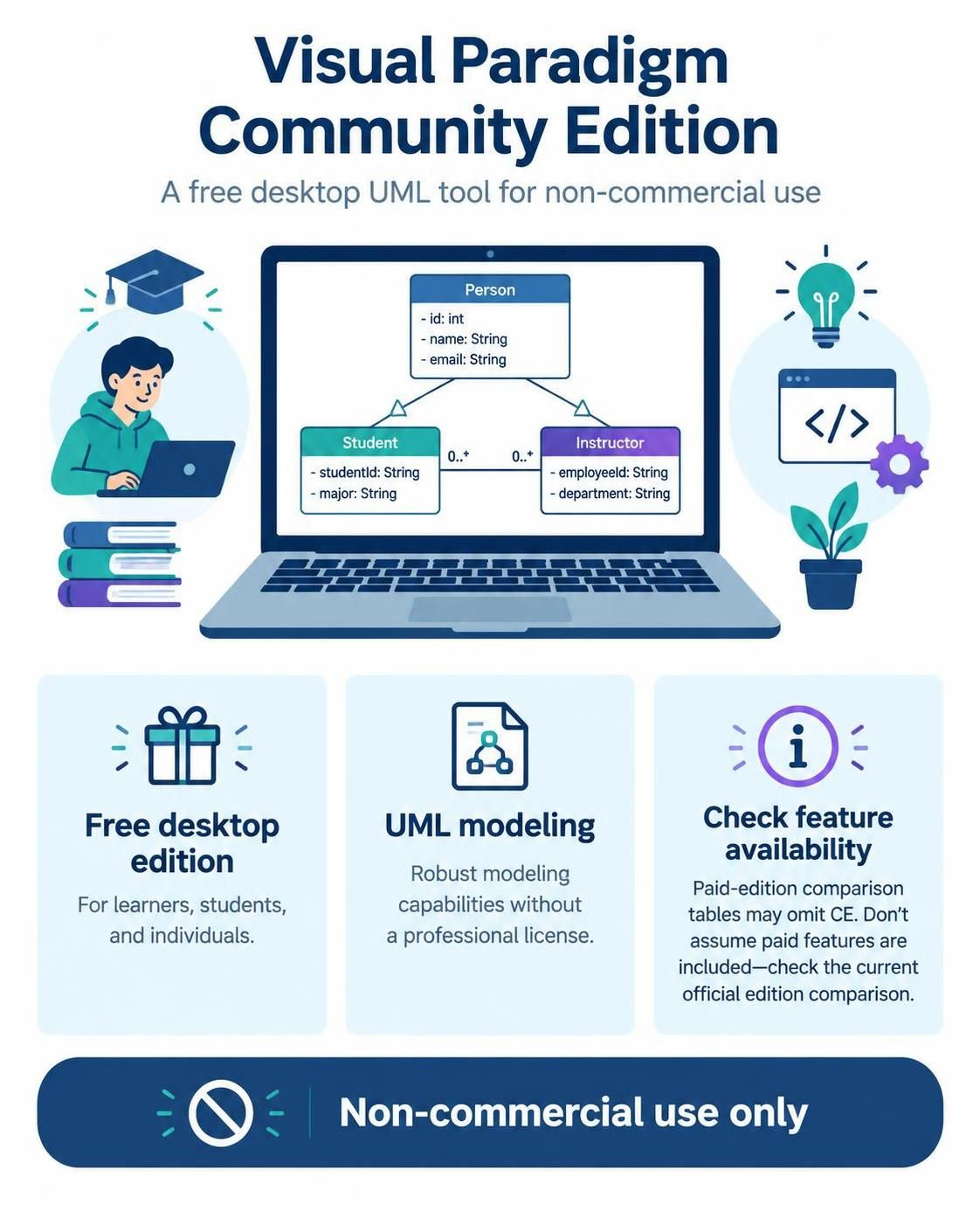
Visual Paradigm Community Edition (CE) is the free, desktop-based version of Visual Paradigm designed specifically for non-commercial use. It serves as an entry point for learners, students, and individuals who need robust UML modeling capabilities without the financial commitment of a professional license.
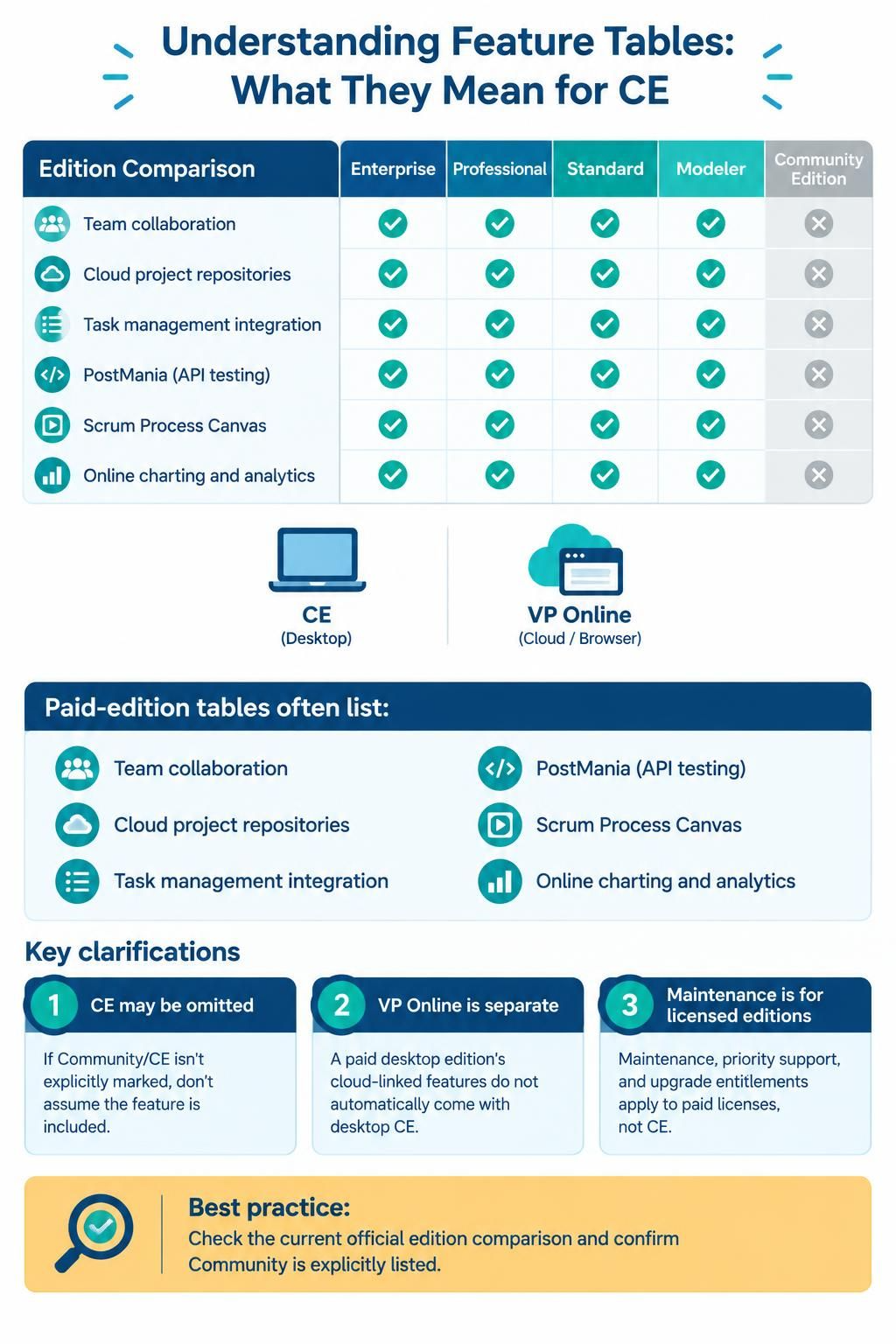
Important Note: Many feature comparison tables you may encounter online compare paid desktop editions (Enterprise, Professional, Standard, and Modeler) but omit Community Edition. Do not assume that features marked for paid editions are available in CE. Always refer to the current official edition comparison for accurate CE feature listings.
What Is Visual Paradigm Community Edition Suited For?
1. UML Modeling
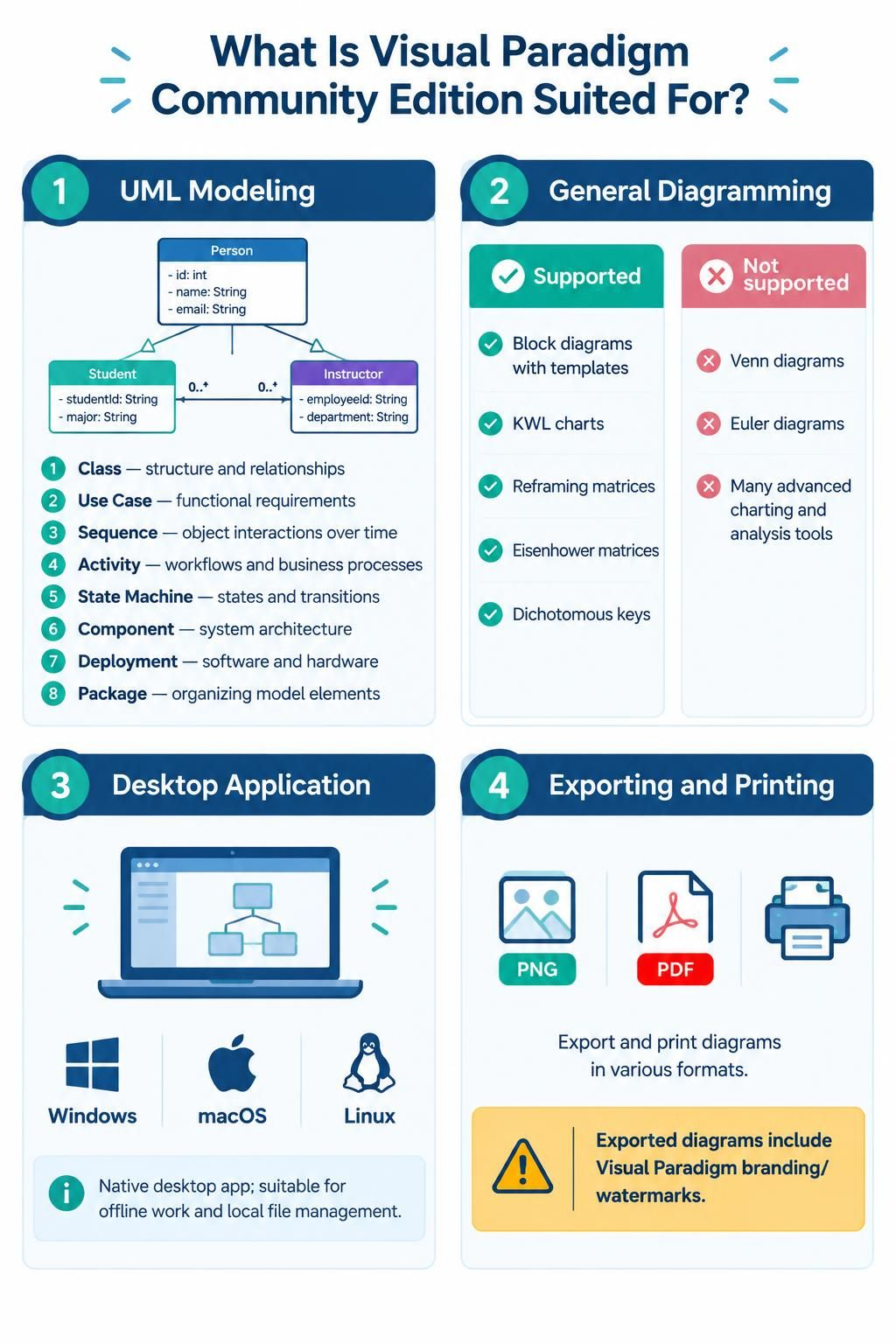
CE provides comprehensive support for UML 2.x diagrams, making it ideal for learning and practicing standard modeling techniques. Supported diagram types include:
-
Class Diagrams – For modeling system structure and relationships
-
Use Case Diagrams – For capturing functional requirements
-
Sequence Diagrams – For illustrating object interactions over time
-
Activity Diagrams – For modeling workflows and business processes
-
State Machine Diagrams – For representing object states and transitions
-
Component Diagrams – For showing system component architecture
-
Deployment Diagrams – For mapping software to hardware infrastructure
-
Package Diagrams – For organizing model elements into namespaces
2. General Diagramming
Beyond UML, CE includes select general-purpose diagramming capabilities:
✅ Supported:
-
Block diagrams with templates
-
KWL charts (Know-Want-Learned)
-
Reframing matrices
-
Eisenhower matrices (priority planning)
-
Dichotomous keys
❌ Not Supported:
-
Venn diagrams
-
Euler diagrams
-
Many advanced charting and analysis tools
3. Desktop Application
Unlike VP Online (the browser-based workspace), CE is a native desktop application available for:
-
Windows
-
macOS
-
Linux
This makes it suitable for users who prefer offline work or local file management.
4. Exporting and Printing
CE allows you to export diagrams in various formats (PNG, PDF, etc.) and print them. However, there is a significant caveat:
⚠️ All exported diagrams include Visual Paradigm branding/watermarks. This can be problematic if you need clean, unbranded deliverables for presentations, handouts, or publications.
Understanding Feature Tables: What They Mean (and Don’t Mean) for CE
Many online resources present detailed feature matrices comparing Visual Paradigm’s paid editions. These tables often mention capabilities such as:
-
Team collaboration tools
-
Cloud project repositories
-
Task management integration
-
PostMania (API testing)
-
Scrum Process Canvas
-
Online charting and analytics dashboards
Key Clarifications:
-
CE Is Not Included in Most Comparison Tables
If a feature row does not explicitly mark “Community” or “CE,” assume it is not available in the free edition. -
VP Online vs. Desktop CE Are Separate
Some features require connectivity to VP Online services. Even if a paid desktop edition supports these via cloud integration, CE does not automatically inherit this capability. -
Software Maintenance Entitlements Apply to Paid Editions Only
References to active software maintenance, priority support, or upgrade paths pertain exclusively to licensed users of Enterprise, Professional, Standard, or Modeler editions—not CE users.
Best Practice: Before relying on any specific feature, consult the current official edition comparison and verify whether “Community” is explicitly listed.
Critical Limitation: Non-Commercial Use Only
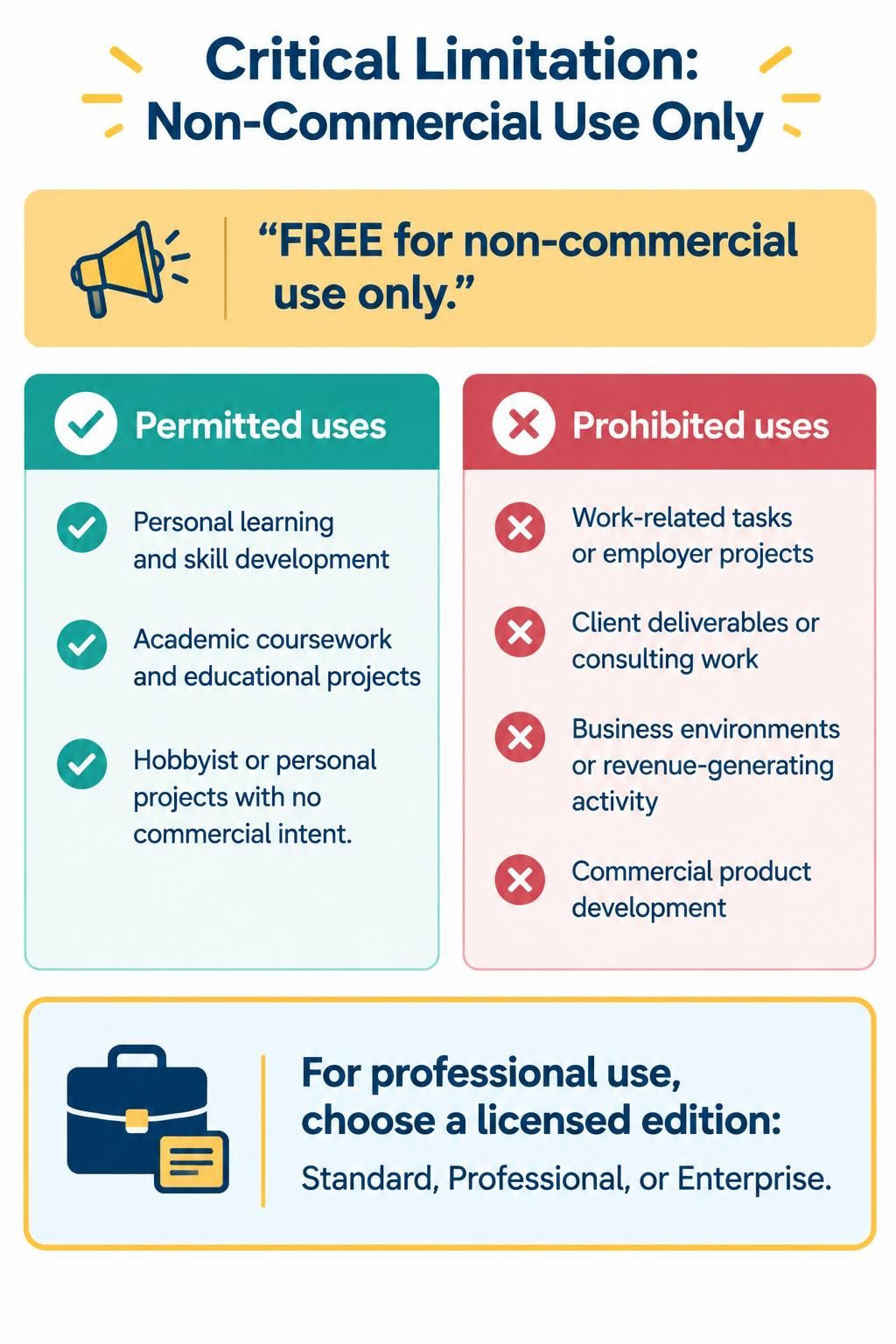
The most important restriction of Visual Paradigm Community Edition is its licensing terms:
“FREE for non-commercial use only.”
What This Means:
✅ Permitted Uses:
-
Personal learning and skill development
-
Academic coursework and educational projects
-
Hobbyist or personal projects with no commercial intent
❌ Prohibited Uses:
-
Work-related tasks or employer projects
-
Client deliverables or consulting work
-
Any business environment or revenue-generating activity
-
Commercial product development
If you intend to use Visual Paradigm in a professional context, you must purchase a licensed edition (Standard, Professional, or Enterprise) to comply with the terms of service.
Review: Strengths and Trade-offs
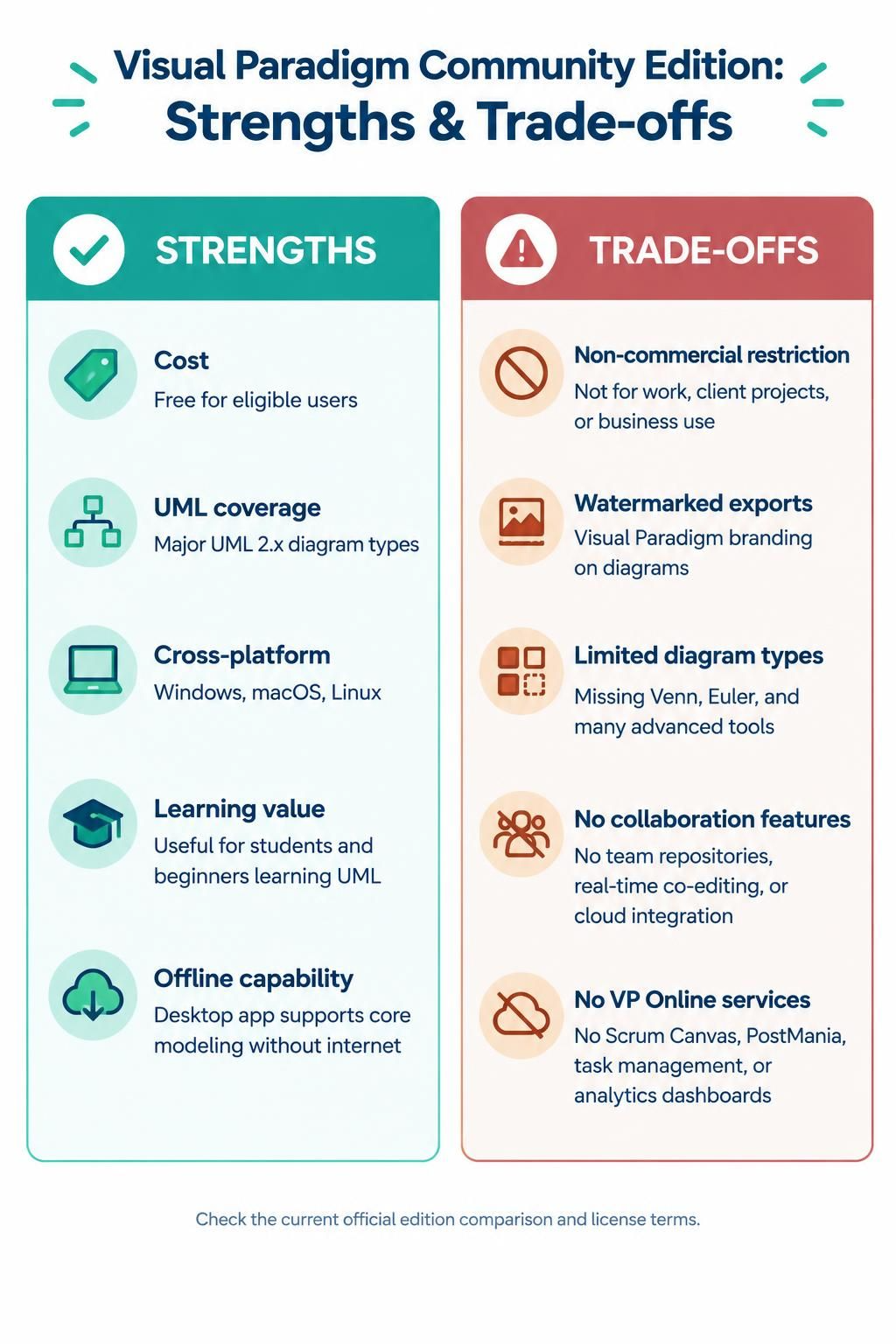
✅ Strengths
| Aspect | Details |
|---|---|
| Cost | Completely free for eligible users |
| UML Coverage | Supports all major UML 2.x diagram types |
| Cross-Platform | Available on Windows, macOS, and Linux |
| Learning Value | Excellent for students and beginners mastering UML standards |
| Offline Capability | Desktop installation means no internet dependency for core modeling |
⚠️ Trade-offs
| Limitation | Impact |
|---|---|
| Non-commercial restriction | Cannot be used for work, client projects, or business purposes |
| Watermarked exports | Diagrams carry Visual Paradigm branding, reducing professionalism in deliverables |
| Limited diagram types | Missing many general-purpose diagrams (e.g., Venn, Euler) and advanced tools |
| No collaboration features | Lacks team repositories, real-time co-editing, and cloud integration |
| No access to VP Online services | Cannot leverage Scrum Canvas, PostMania, task management, or analytics dashboards |
Overall Assessment
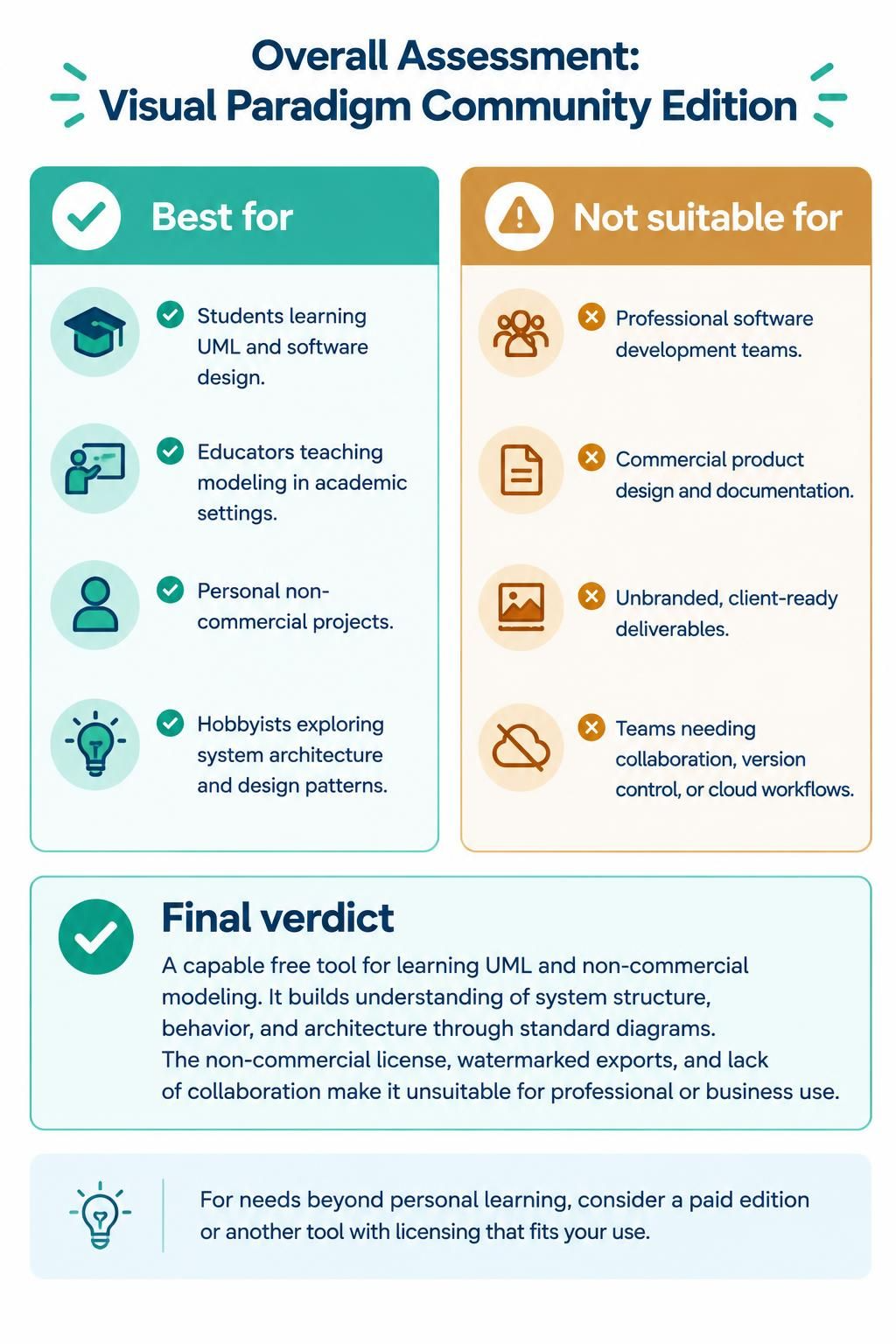
Best For:
-
Students learning UML and software design principles
-
Educators teaching modeling concepts in academic settings
-
Individuals working on personal, non-commercial projects
-
Hobbyists exploring system architecture and design patterns
Not Suitable For:
-
Professional software development teams
-
Commercial product design and documentation
-
Projects requiring unbranded, client-ready deliverables
-
Teams needing collaboration, version control, or cloud-based workflows
Final Verdict:
Visual Paradigm Community Edition is a strong, capable free tool for learning UML and performing non-commercial modeling tasks. It provides a solid foundation for understanding system structure, behavior, and architecture through industry-standard diagrams.
However, its limitations—particularly the non-commercial license, watermarked exports, and absence of collaboration features—make it unsuitable for professional or business use. If your needs extend beyond personal learning, consider upgrading to a paid edition or evaluating alternative tools with more permissive licensing.
