




A Comprehensive Case Study on Fliplify’s Interactive Flipbook Platform: Transforming Digital Publishing
Introduction
In today’s rapidly evolving digital landscape, static PDFs and traditional document formats are no longer sufficient to capture audience attention or deliver memorable brand experiences. Organizations, educators, marketers, and creative professionals increasingly seek dynamic, interactive solutions that combine the familiarity of print with the engagement potential of digital media. Enter Fliplify by Visual Paradigm—a powerful, cloud-based flipbook creation platform that transforms ordinary documents into immersive, page-turning digital experiences.
This case study explores how Fliplify empowers users to create, customize, and distribute professional-quality flipbooks for catalogs, eBooks, portfolios, training manuals, marketing materials, and more. By examining its core features, user workflow, technical capabilities, and real-world applications, we demonstrate how Fliplify addresses the growing demand for interactive content while maintaining accessibility, brand consistency, and measurable impact. Whether you’re a small business owner, corporate communicator, educator, or independent creator, this guide reveals how Fliplify can elevate your digital publishing strategy.
Overview of the Fliplify Platform
Fliplify is an innovative online platform developed by Visual Paradigm, designed to create interactive flipbooks from various digital content. It is ideal for creating engaging eBooks, brochures, catalogs, and presentations. The platform combines intuitive design tools with powerful publishing capabilities, enabling users to transform static documents into dynamic, interactive experiences with realistic page-flip effects.
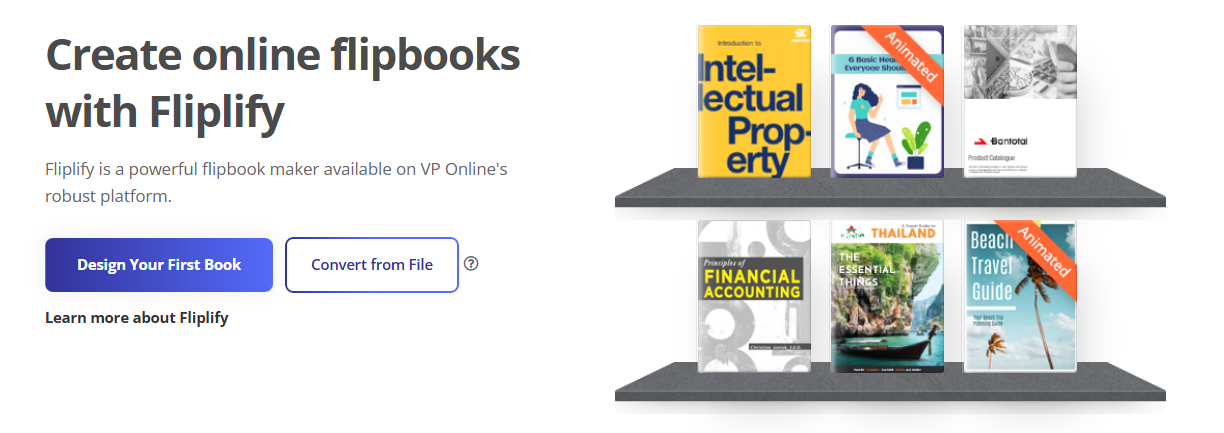
At its core, Fliplify bridges the gap between traditional print aesthetics and modern digital interactivity. Users can upload existing files like PDFs, Word documents, or PowerPoint presentations—or build flipbooks from scratch using drag-and-drop design tools. The result is a responsive, mobile-optimized flipbook that readers can enjoy across desktops, tablets, and smartphones.
Key Features Deep Dive
Seamless Book Reading Experience
Reading online is no longer a boring experience. Using Fliplify, your books present with a realistic page-flip effect. Readers turn pages instead of scrolling, creating a tactile, engaging experience reminiscent of physical books. Thumbnails are also provided for selecting pages quickly, enhancing navigation and user control.

Organize Books with Digital Bookshelf
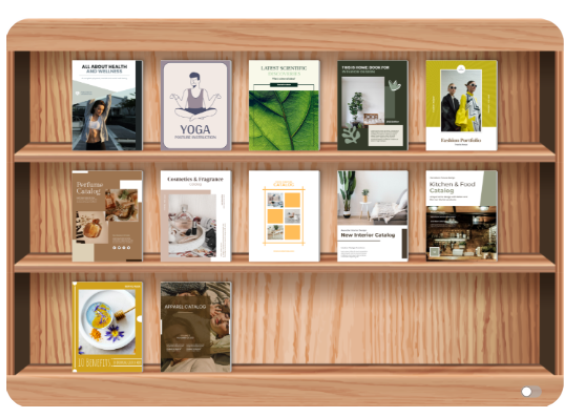
Show your books in an interesting way! Fliplify provides an online bookshelf to manage your publications and present them professionally to others. Bookshelf management is clear and simple: group your books, set their display order, and allow audiences to easily browse your creations in a visually appealing interface.
Customizable Bookshelf Themes
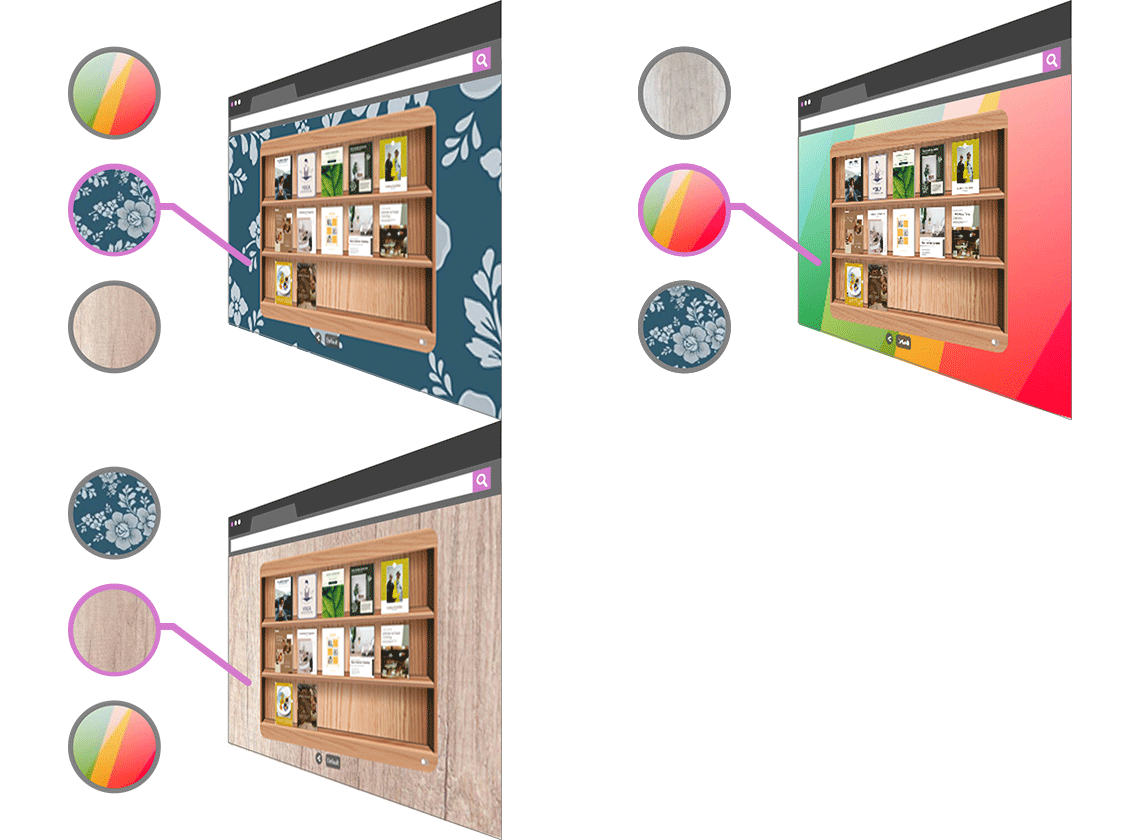
Design flexibility matters. Fliplify offers bookshelves in multiple designs to match your content’s tone and purpose. Customize themes by selecting backgrounds in various styles—business, floral, nature patterns, and more—ensuring your digital library reflects your brand identity.
Distraction-Free Reading Mode
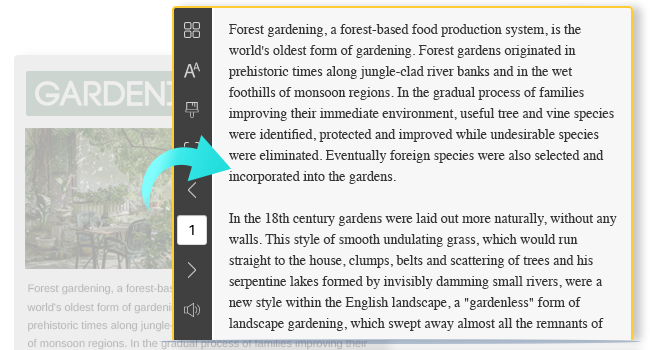
Focus on content, not clutter. Fliplify’s Reading Mode removes distracting graphics and ads, providing a clean, immersive environment where readers can concentrate on your message. This feature is especially valuable for educational content, long-form articles, and professional documentation.
Adding Interactive Elements
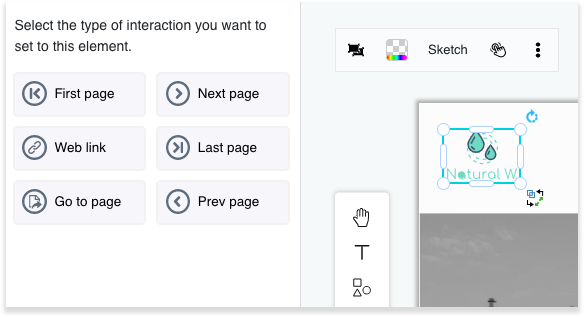
Engagement drives impact. Fliplify lets you add interactions to different elements on the page—users can click to access additional content, open URL links, watch embedded videos, or trigger animations. This interactivity is a powerful way to promote products, share resources, or guide readers through complex information.
Intuitive eBook Maker
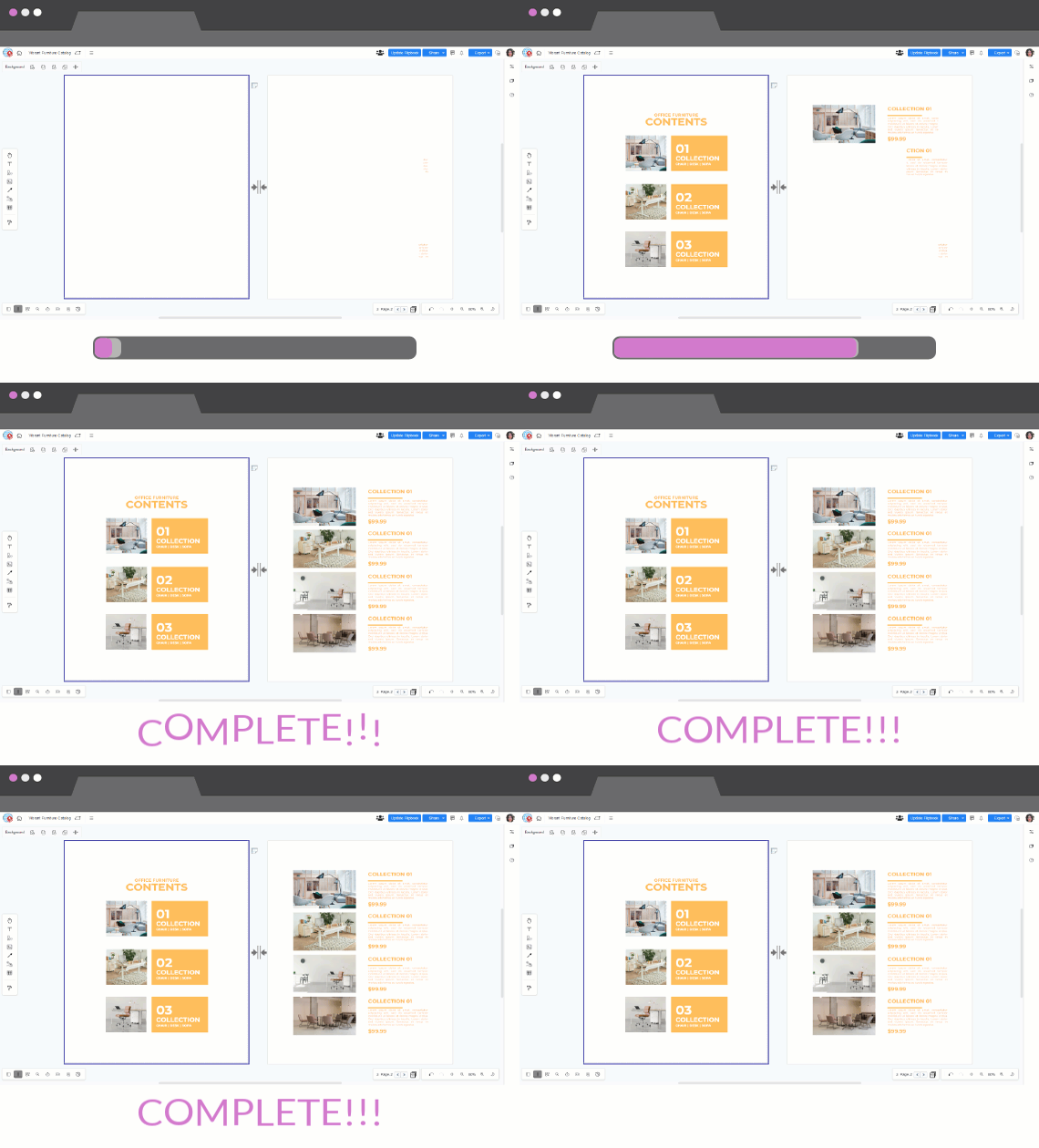
Fliplify is a professional tool that supports creating books from scratch—not just converting documents from other formats. Plenty of customizable templates serve as design references, helping users finish their books efficiently and share them in the flipbook library.
Wide Range of Book Templates
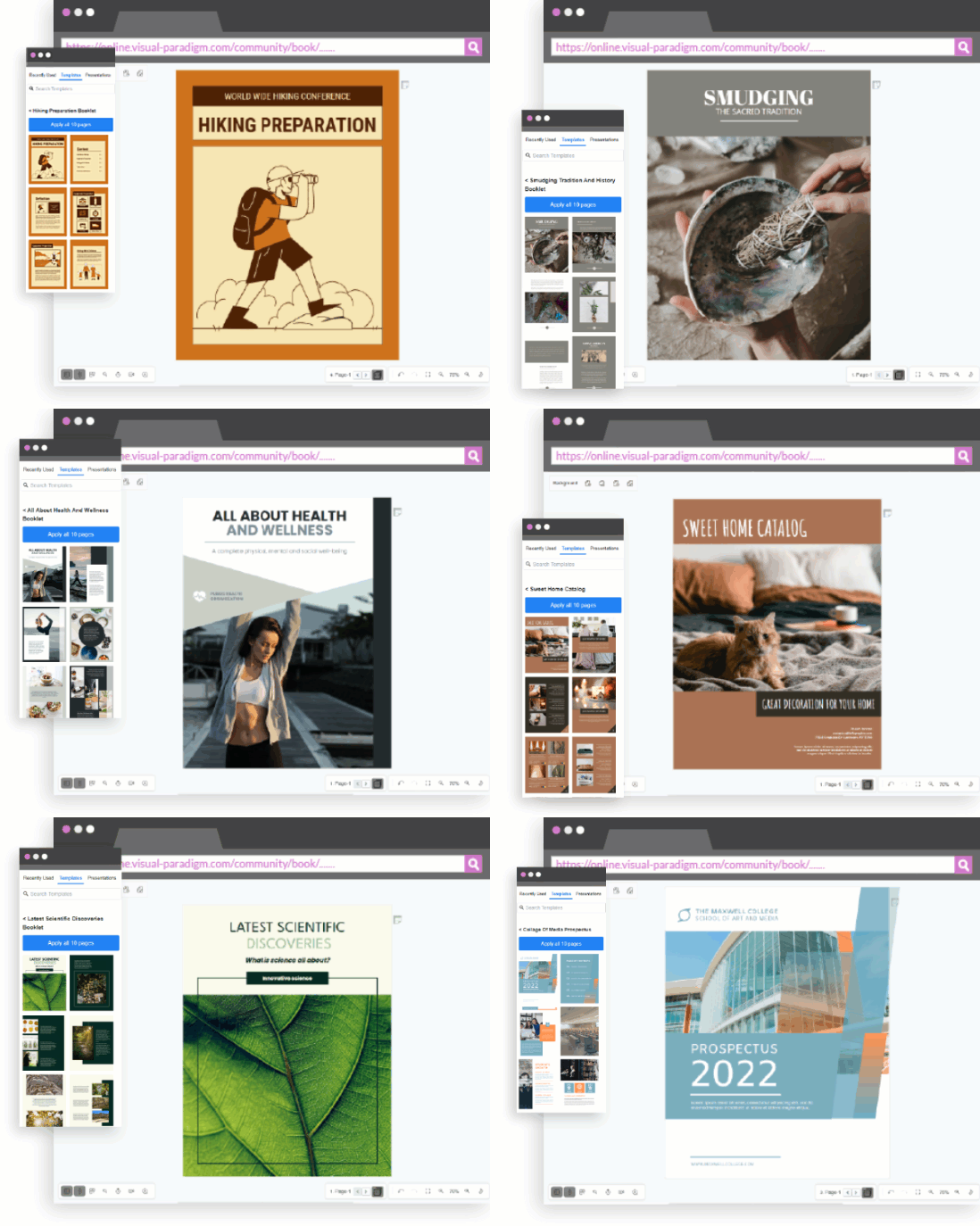
Start faster with purpose-built templates. Fliplify offers templates for reports, booklets, catalogs, lookbooks, photo books, training manuals, prospectuses, and more. All templates are fully customizable: change images, fonts, colors, and layout composition to make book creation an effortless, creative process.
Animated Flipbooks and Page Transitions
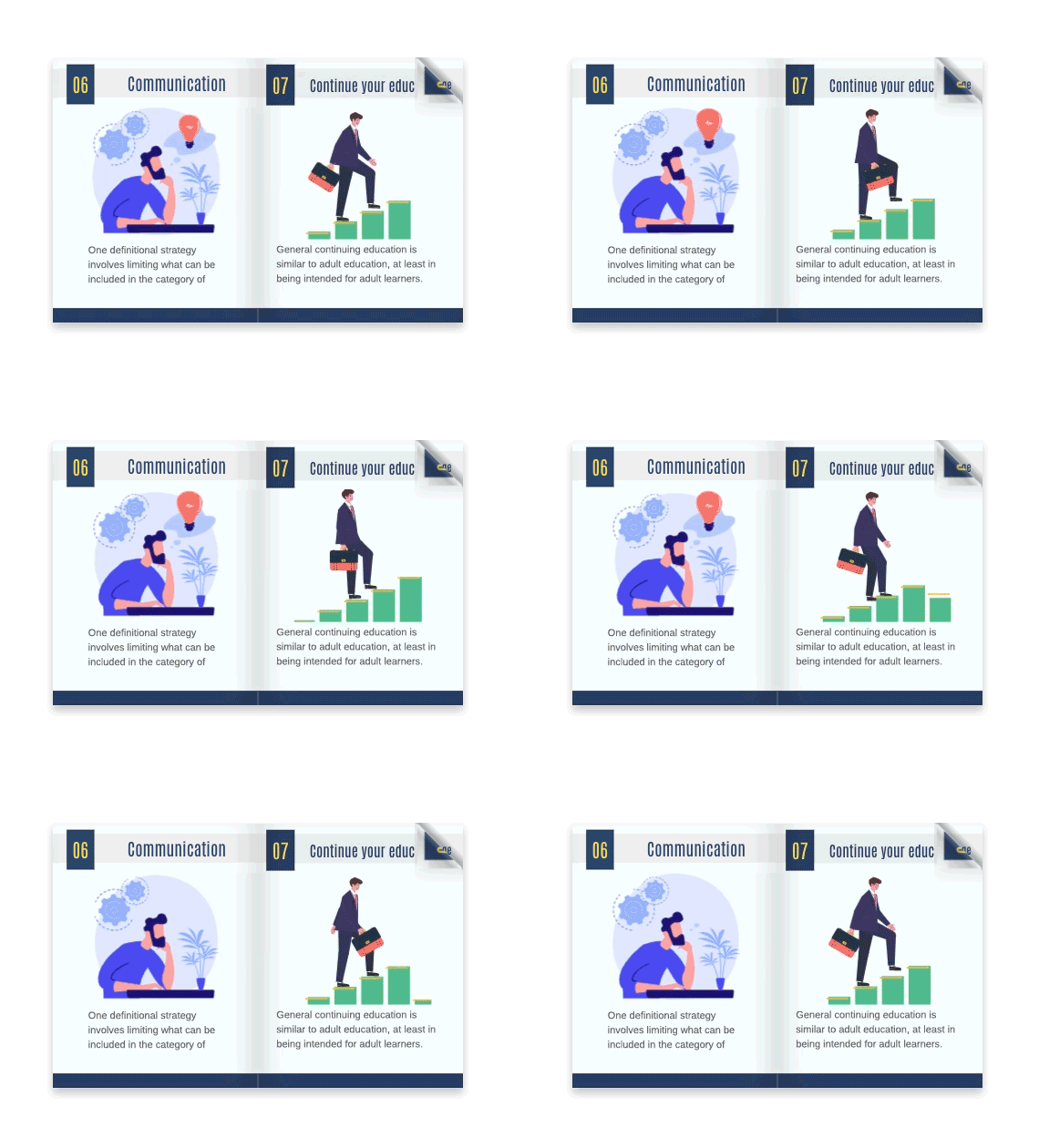
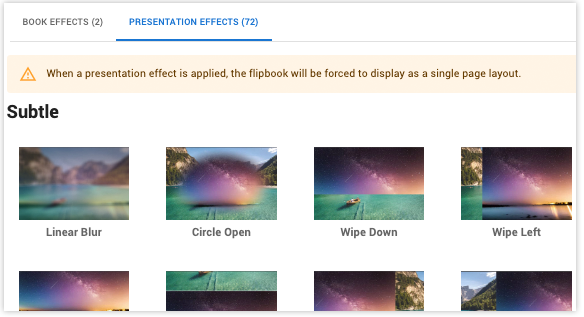
Bring your content to life with animation. Spice up your flipbook with lively animations to attract and retain audience attention. Fliplify supports creative animations, including 70+ page transition effects like fade, wipe, and slide—with customizable speed and direction—to create presentations that captivate and engage.
Extensive Library of Design Assets
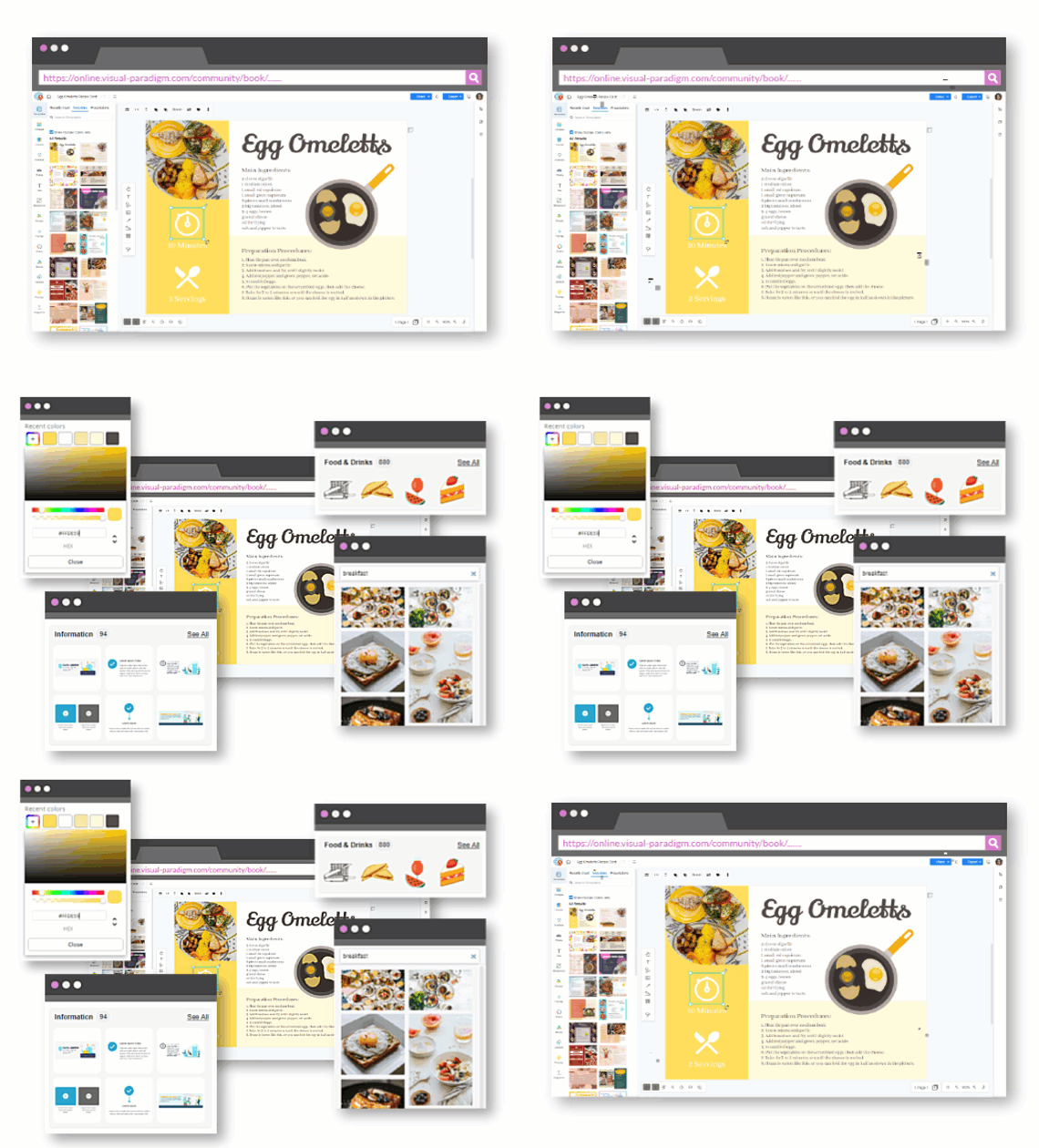
Creativity thrives with resources. Fliplify provides assets across multiple categories: photos and artworks for decoration, InfoArt and charts for data visualization, icons, shapes, and more. This growing library empowers users to enhance their designs without leaving the platform.
Publishing, Sharing, and Distribution
Share with URL
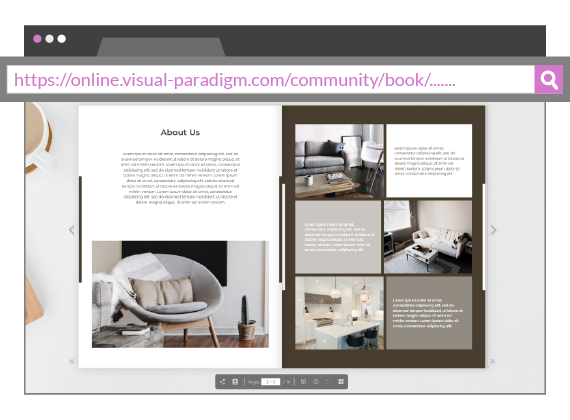
When you export your flipbook, Fliplify generates a unique URL. Share your creation conveniently by distributing this link. Without restrictions, anyone can access your flipbook directly through the URL and enjoy your work instantly.
Share via Social Media
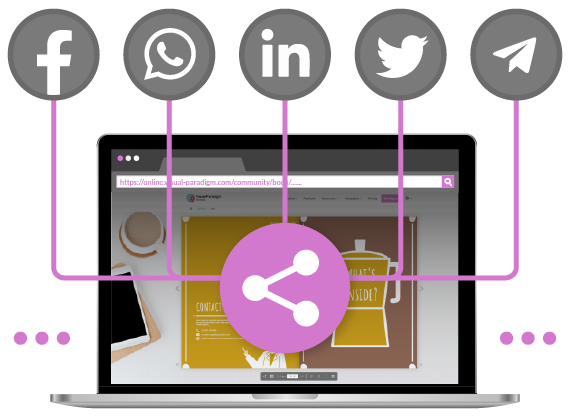
Amplify your reach through social channels. Fliplify provides one-click sharing shortcuts for major social platforms. During the sharing process, a short message is auto-generated—but you can edit it to personalize your post and make your content more compelling.
Send Invitations to Readers
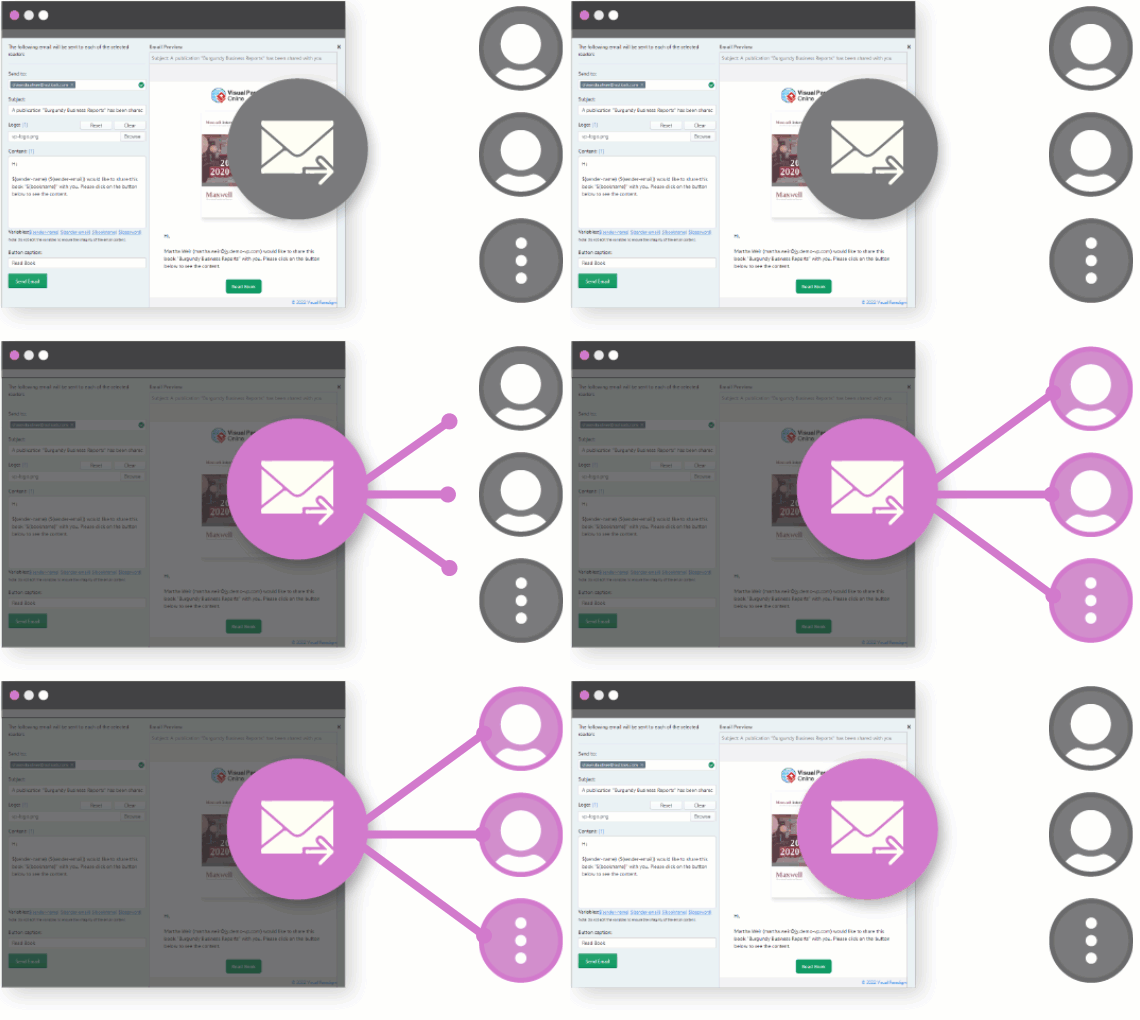
Target your audience precisely. Invite specific readers to view your newly created flipbook via email. Personalize your invitation message, preview it in real-time, and send to multiple recipients—all within the platform.
Content Protection and Access Control
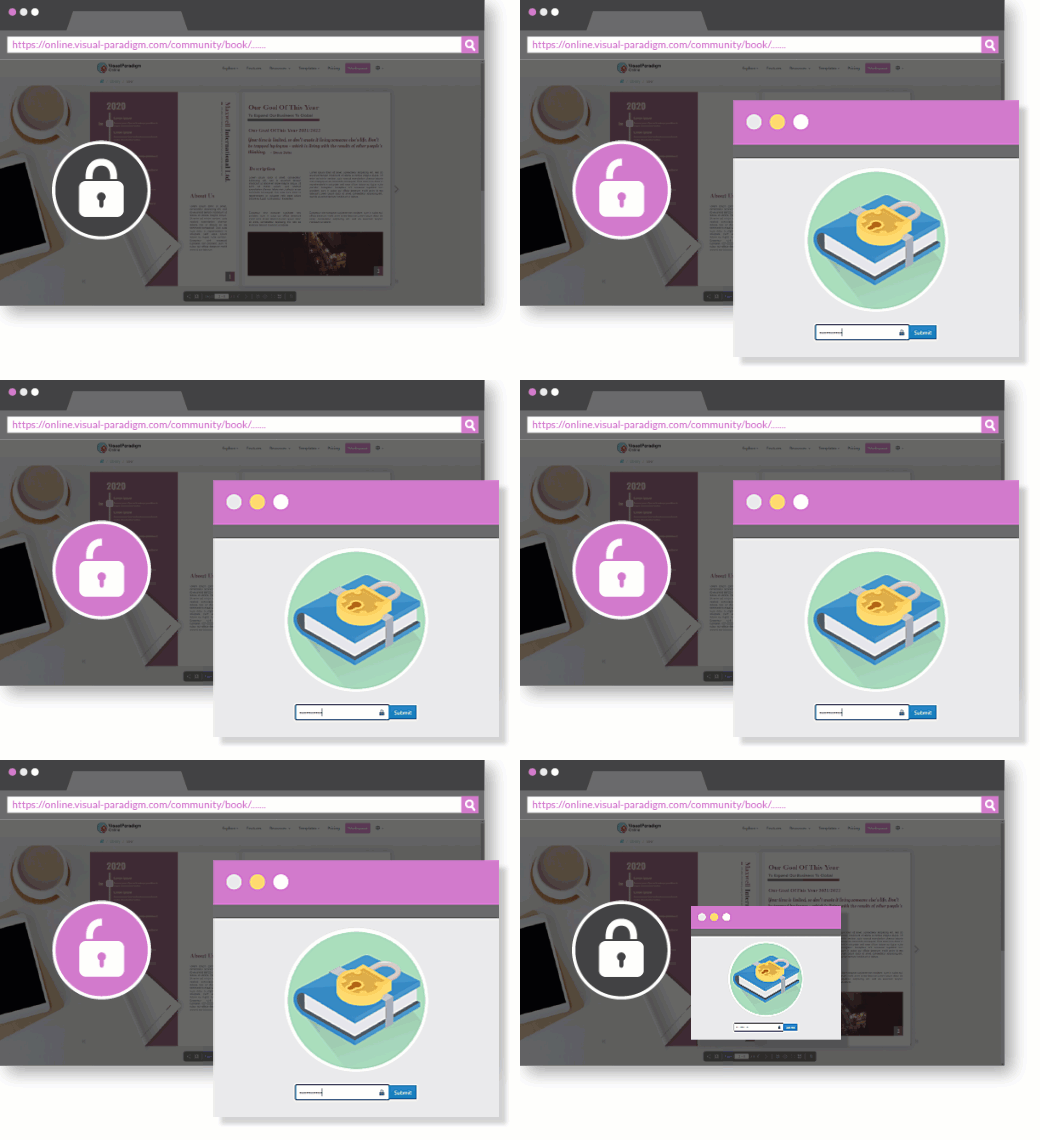
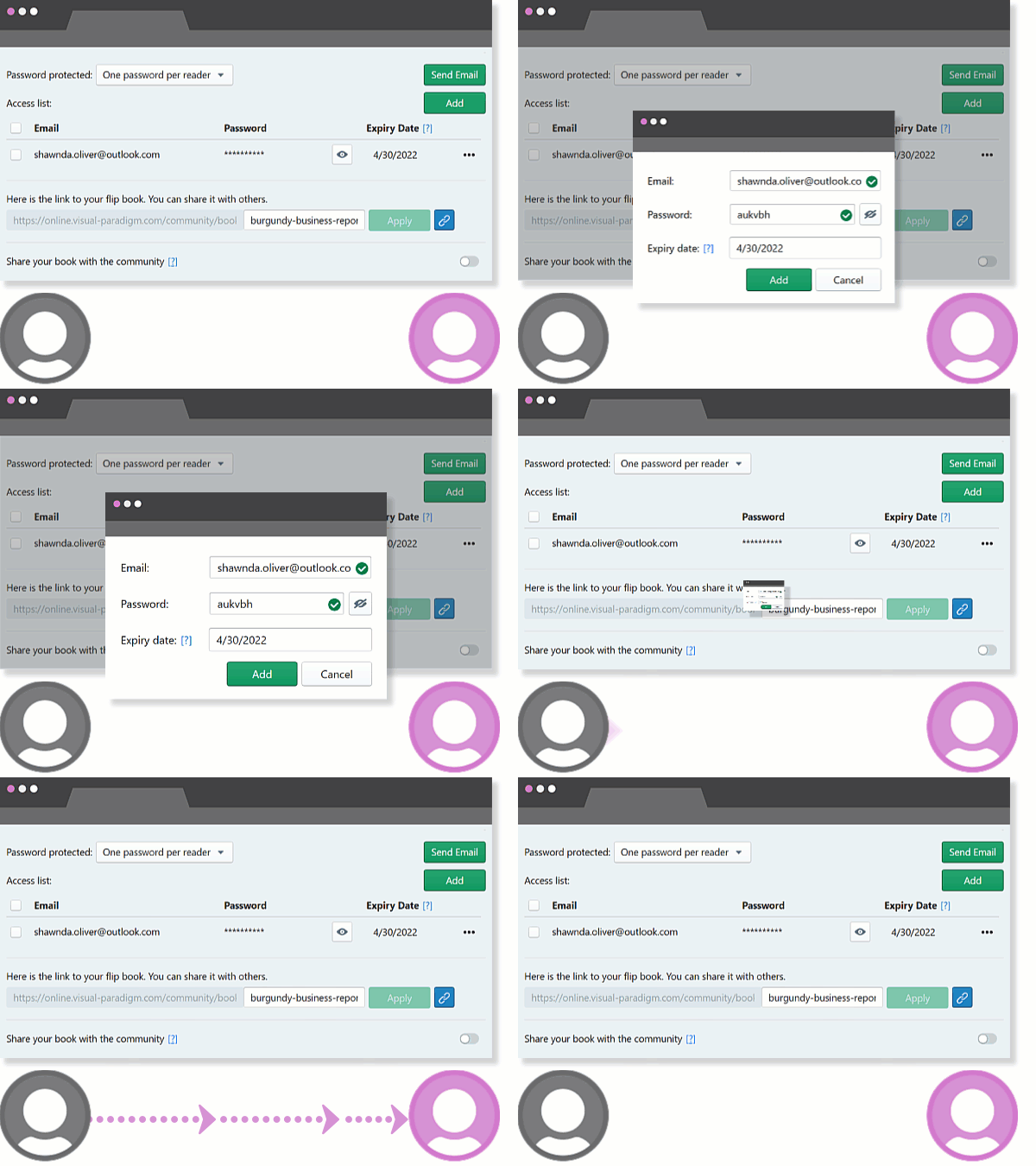
Security matters for sensitive or premium content. Lock your flipbook with password protection—only readers with the correct password can access your flipbook. Combine this with email invitations to create a secure, controlled distribution workflow.
Simple Document Conversion Workflow
Convert your documents into flipbooks in just 30 seconds with Fliplify’s streamlined three-step process:
Step 1: Upload
Select the file you wish to convert—PDF, Word, PowerPoint, or images—and start the conversion process.
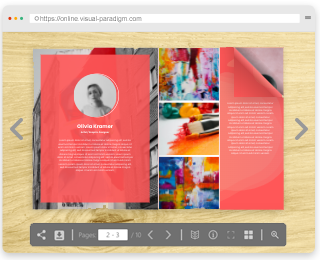
Step 2: Read & Review
Once converted, preview your flipbook to ensure content displays correctly and interactions function as intended.
Step 3: Share & Publish
Your flipbook is published! Share it via social media, embed it on websites, or distribute via direct URL.
Advanced Capabilities and Integrations
Self-Hosting Options
Maintain full control over your content. Fliplify supports self-hosting flipbooks on your own domain, providing greater control over accessibility, branding, and data privacy—ideal for enterprise users and organizations with strict compliance requirements.
Multimedia and Animation Integration
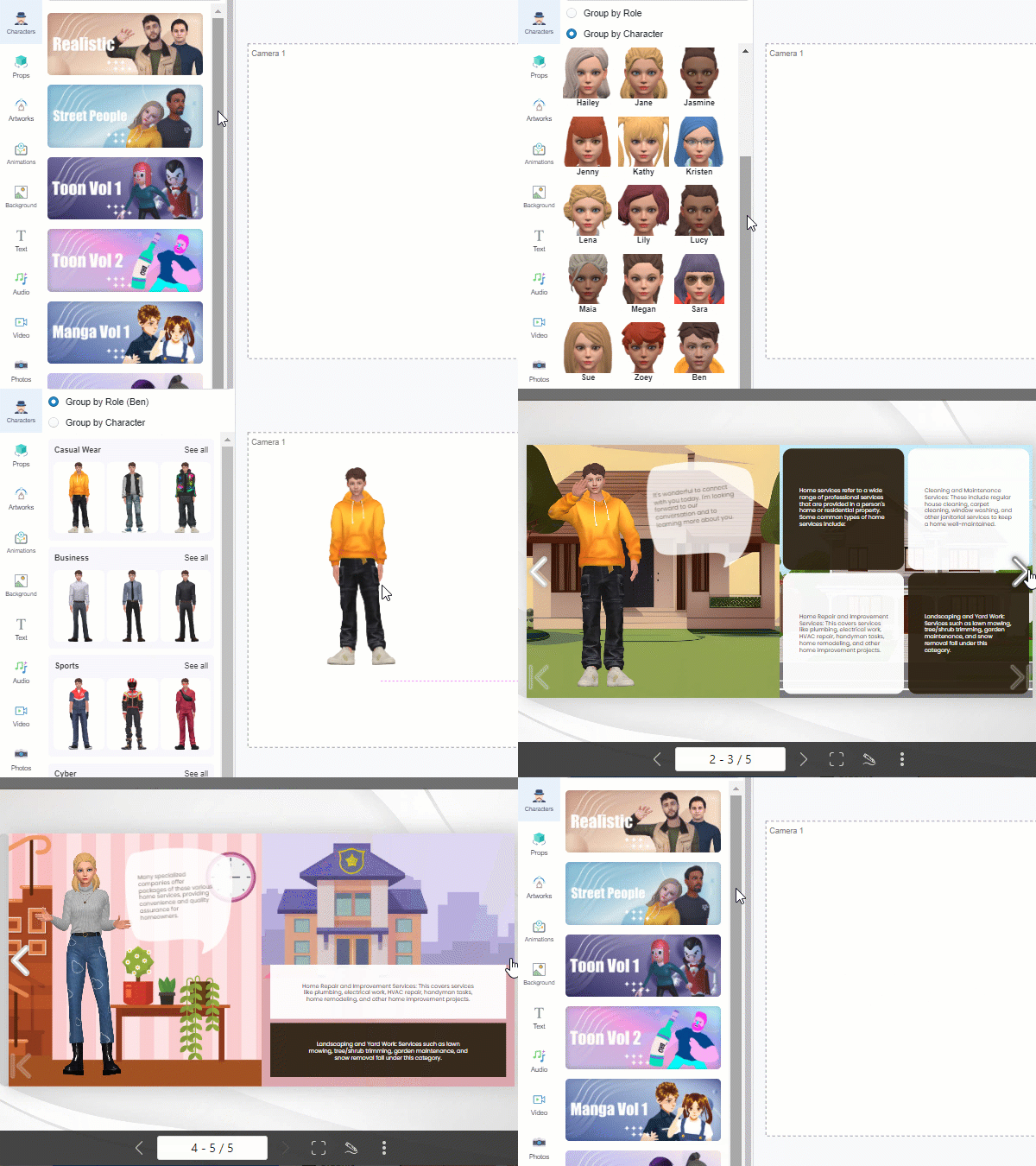
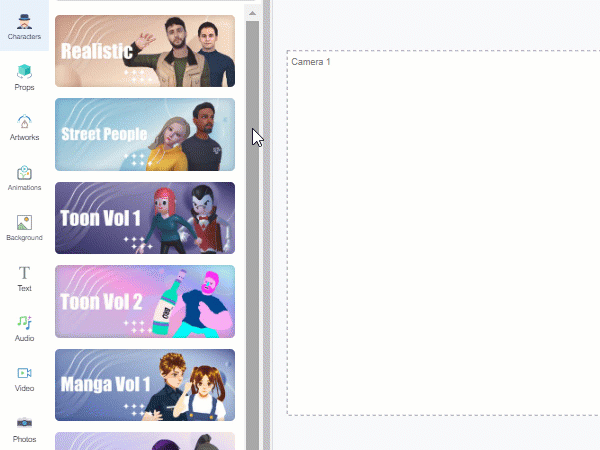
Enhance engagement with rich media. Embed videos, audio, animated GIFs, Lottie animations, and even 3D characters via AniFuzion integration. This capability transforms static pages into dynamic, multimedia experiences.
SEO and Analytics Integration
Measure what matters. Fliplify integrates with SEO best practices and Google Analytics, allowing you to track reader engagement, popular pages, referral sources, and conversion metrics. Use these insights to optimize content and improve performance over time.
Annotation and Collaboration Tools
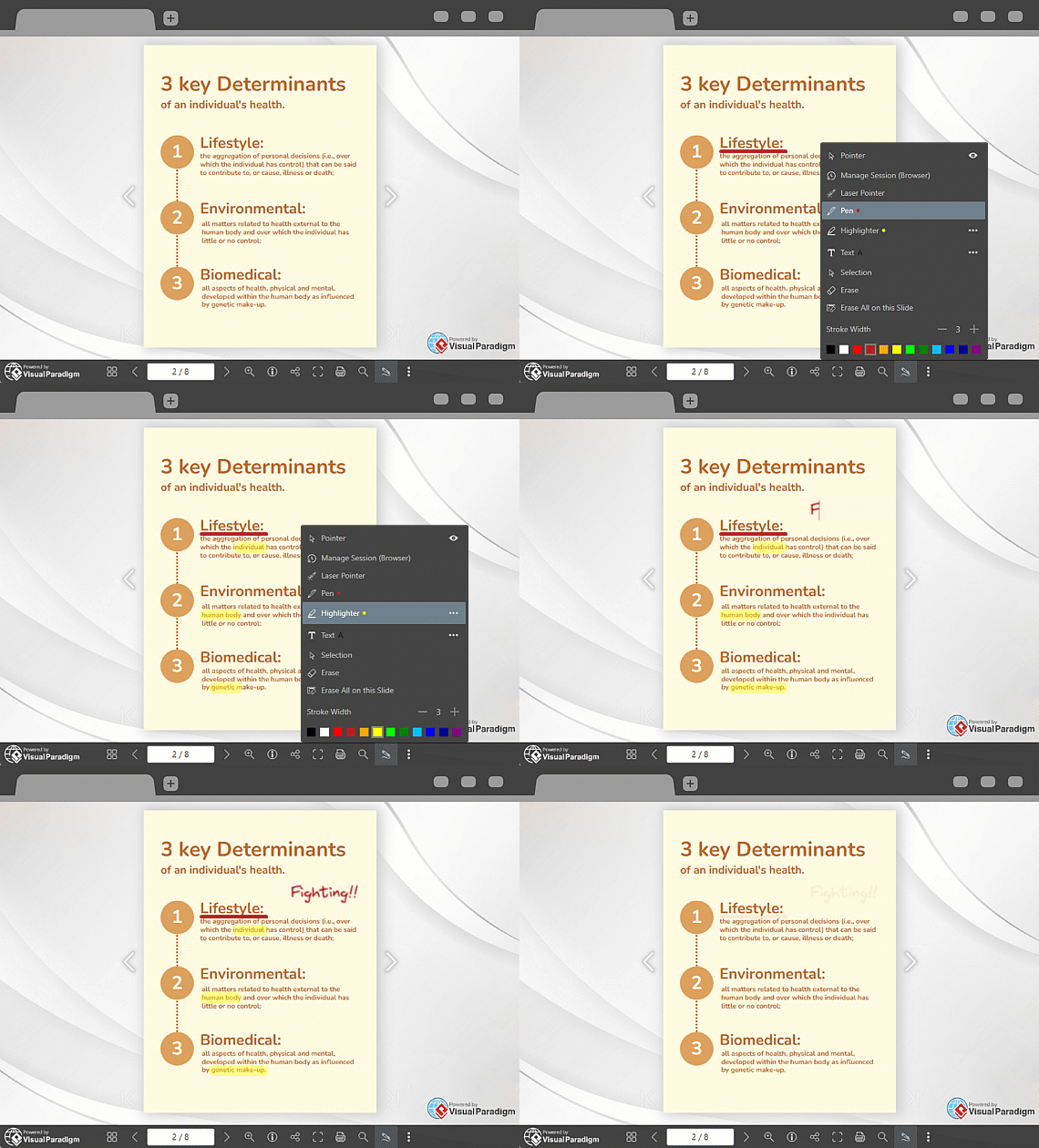
Support teamwork and feedback. Fliplify enables annotations for collaborative review and note-taking, along with text search functionality to quickly locate content within lengthy flipbooks—valuable for educational materials, technical documentation, and team projects.
Printing and PDF Download Options
Provide flexibility for your audience. Readers can print pages or download the entire flipbook as a PDF for offline access, ensuring your content remains accessible regardless of connectivity or device preferences.
Corporate Branding Support
Maintain brand consistency. Integrate your logo, brand colors, and custom fonts throughout your flipbook to reinforce professional identity and strengthen brand recognition across all digital publications.
Integration with Visual Paradigm Ecosystem
Work seamlessly across tools. As part of the broader Visual Paradigm Online suite, Fliplify integrates with diagramming, animation, graphic design, and productivity tools—enabling streamlined workflows for complex projects.
Getting Started: A Practical Workflow
Step 1: Access and Account Setup
Visit www.fliplify.com or access via Visual Paradigm Online. Create a free account to explore core features, with premium capabilities available through subscription plans.
Step 2: Plan and Prepare Content
Outline your flipbook’s purpose, audience, and key messages. Gather visual assets—images, icons, charts, videos—and prepare text content for upload.
Step 3: Create Your Project
Log in and navigate to the Flipbooks section. Start a new project: upload existing files or build from scratch using the intuitive Flipbook Designer with drag-and-drop tools.
Step 4: Customize and Enhance
Select a template or design your layout. Add interactive elements—links, videos, animations, 3D characters. Adjust transitions, colors, and typography to align with your brand.
Step 5: Optimize and Preview
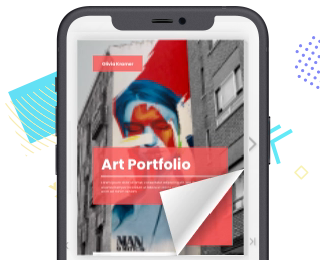
Fliplify automatically ensures responsive design across devices. Preview your flipbook to verify reading experience, interactions, and mobile compatibility before publishing.
Step 6: Publish and Distribute
Publish online and share via URL, social media, or website embed. Use the Virtual Bookshelf to organize multiple publications. Advanced users can self-host for greater control.
Step 7: Track and Iterate (Optional)
With premium plans, integrate Google Analytics to monitor reader behavior. Use insights to refine content, improve engagement, and maximize impact.
Template Gallery: Accelerate Your Projects
Fliplify provides a wide selection of professionally designed templates to jumpstart your flipbook projects. Simply select a template, customize content and branding, and publish—no design expertise required.
https://online.visual-paradigm.com/share/book/elegant-accessories-lookbook-1zzc7p5vkx

How Did Trick-or-Treat Become a Halloween Custom? (edit this template)

Elegant Accessories Lookbook (edit this template)
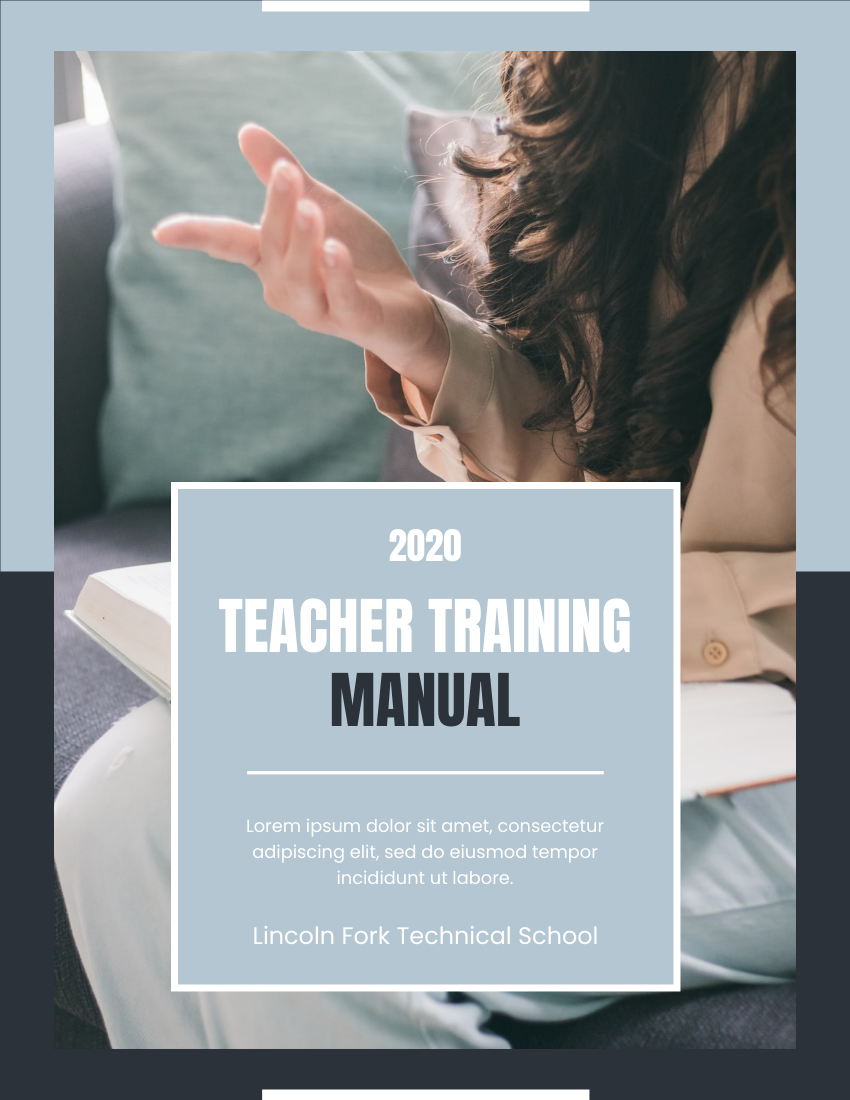
Teaching Training Manual (edit this template)

Professional Kindergarten Prospectus (edit this template)
Conclusion
Fliplify by Visual Paradigm represents a significant evolution in digital publishing—transforming static documents into dynamic, interactive experiences that captivate audiences and drive engagement. By combining realistic page-flip aesthetics with powerful multimedia capabilities, intuitive design tools, and flexible distribution options, Fliplify empowers creators of all backgrounds to produce professional-quality flipbooks without technical complexity.
The platform’s strengths lie in its balance of accessibility and sophistication: beginners can leverage templates and drag-and-drop tools to create compelling content quickly, while advanced users benefit from animation integration, self-hosting, analytics, and enterprise-grade security. Whether publishing marketing catalogs, educational materials, corporate reports, or creative portfolios, Fliplify provides the features needed to stand out in a crowded digital landscape.
As organizations continue to prioritize interactive, mobile-friendly content, Fliplify offers a future-ready solution that bridges print and digital, creativity and strategy, creation and measurement. By adopting Fliplify, publishers, marketers, educators, and creators can not only enhance the reader experience but also achieve measurable business outcomes—from increased engagement and brand recall to improved conversion and knowledge retention.
In an era where attention is the ultimate currency, Fliplify helps you earn it—one immersive page turn at a time.
References
-
Flipbook Maker Quick Start Guide: A comprehensive guide to getting started with Visual Paradigm’s flipbook creation tools
-
Unveiling the Pinnacle of Flipbook Software: Visual Paradigm: An in-depth review of Visual Paradigm’s flipbook software capabilities and market positioning
-
Reference List for Learning Fliplify of Visual Paradigm Online: Curated resources and documentation for mastering Fliplify features
-
Introducing Visual Paradigm Flipbook Maker: Your Ultimate Choice in Digital Publishing: Announcement and feature overview of Visual Paradigm’s flipbook publishing solution
-
Revolutionize Your Digital Content with Visual Paradigm’s Flipbook Maker: Case studies and success stories demonstrating the impact of Visual Paradigm flipbooks
-
Transform Your Digital Publishing with Fliplify by Visual Paradigm: Strategic insights on leveraging Fliplify for professional digital publishing workflows
-
Why Fliplify by Visual Paradigm Online Stands Out and How AniFuzion Makes It Unbeatable: Comparative analysis highlighting Fliplify’s unique advantages and AniFuzion integration
-
PDF to Flipbook Converter: Tool documentation for converting PDF documents into interactive flipbooks
-
Create Flipbooks: Traditional Chinese language resource for flipbook creation features
-
Create Flipbooks: English language resource for creating interactive flipbooks from scratch
-
Create Lookbooks: Specialized guide for designing fashion and product lookbooks using Fliplify
-
Flipbook Maker Quick Start Guide: Community-sourced tutorial for rapid onboarding to flipbook creation
This post is also available in Deutsche, Español, فارسی, Français, English, Bahasa Indonesia, 日本語, Polski, Portuguese, Ру́сский, Việt Nam, 简体中文 and 繁體中文.
