How to pan in a diagram?
When you are working on a MASSIVE project, you will need look at every aspect in your project. Therefore, it is essential to pan in the canva all the time. In this video, we will be going through the two methods in panning.
Method 1 (Click On The Pan Handle):
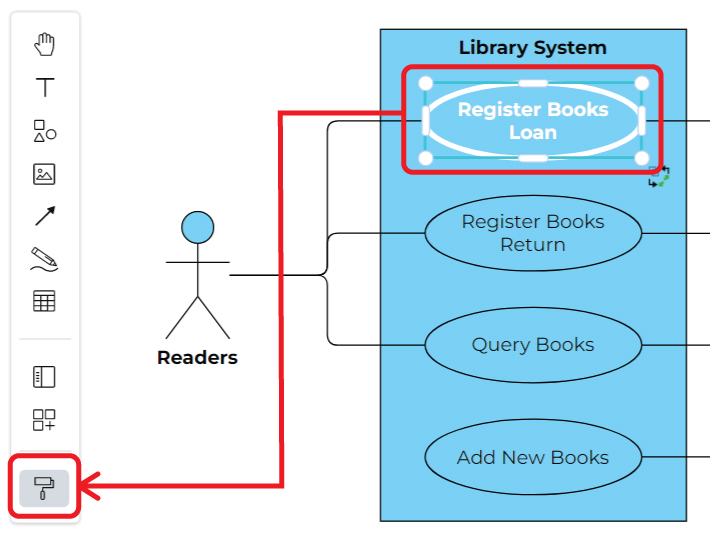
- Click on the “Palm” button on your left panel
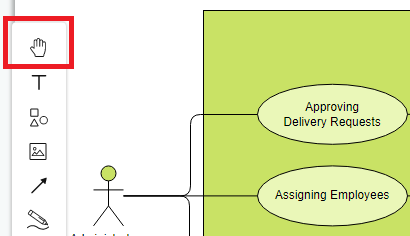
- Casually click on your canva and drag to your desire positon
- Make sure to “unclick” the “Palm” afterward
Method 2 (Press Your Keyboard):
- Press Ctrl on your keyboard and click on the canva simultaneously
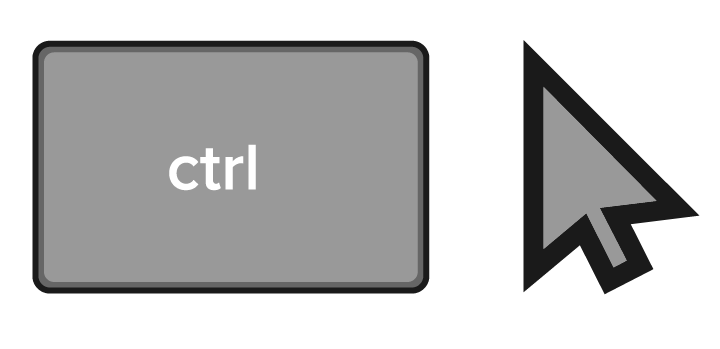
- Casually click on your canva and drag
- Let go until you reach to to your desire positon
Either method are flexible and convinient for your use, if you would like to try it out. Please visit online visual paradigm!!!
This post is also available in Deutsche, Español, فارسی, Français, English, Bahasa Indonesia, 日本語, Polski, Portuguese, Ру́сский, Việt Nam, 简体中文 and 繁體中文.