




How to Swap Photos between Frames?
Sometimes you might find that the photo does not look quite settling, after direct insert from the gallery. In this video, you can see how to swap photos between frames in your collage.
The steps are as follow;
- Hover your cursor to the photo you like to swap
- Click on the “arrows” button directly
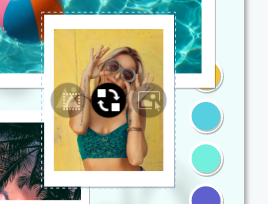
- Drag to the photo you would like to swap with

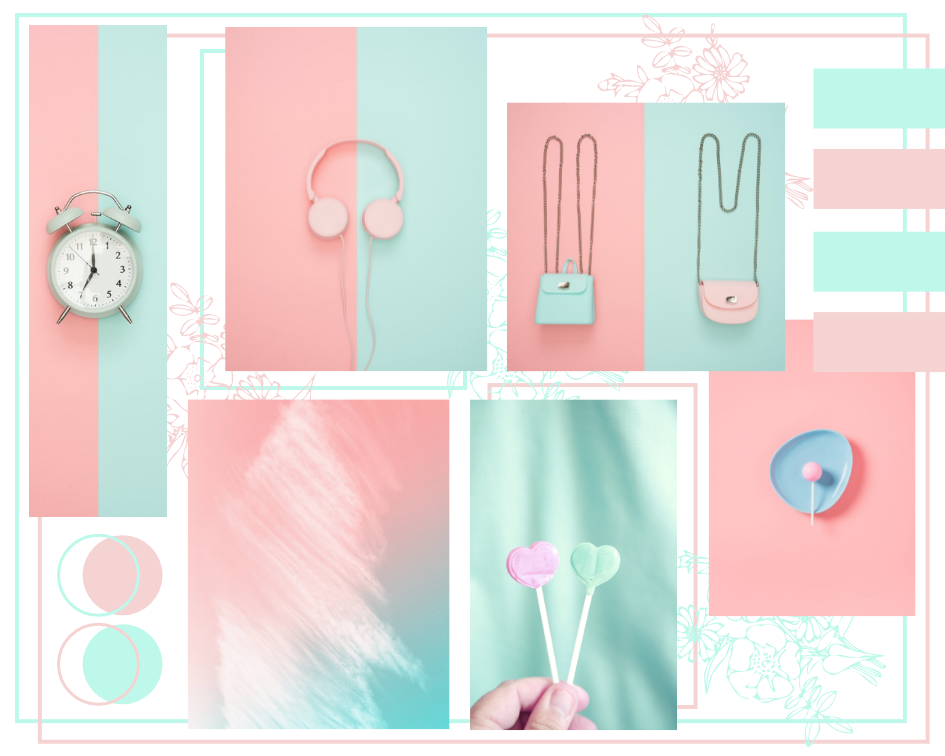
Would you like to create your own collage now? Try out the free collage maker online visual paradigm now and here is some sample you can use directly!!!

Greenery Inspiration Mood Board


This post is also available in Deutsche, Español, فارسی, Français, English, Bahasa Indonesia, 日本語, Polski, Portuguese, Ру́сский, Việt Nam, 简体中文 and 繁體中文.
