




How to specify description for your flipbook?
- Find your publication in the “my books” section
- Hover over your flipbook and click on the “pencil icon”
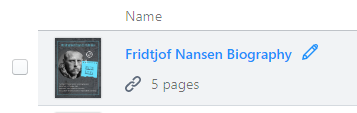
- Insert your description in the new pop up
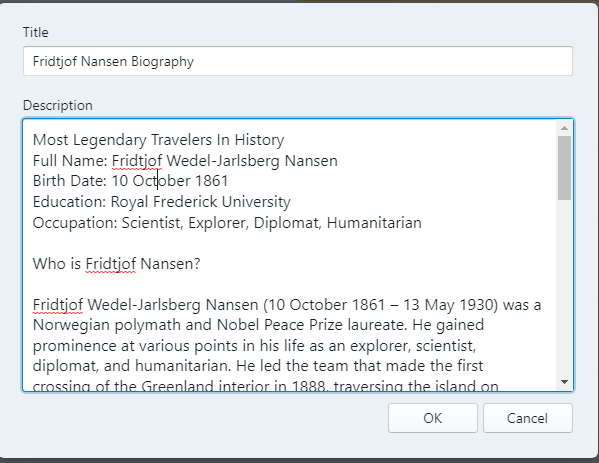
- After confirm your description content click “OK”
- The description will add in simultaneously
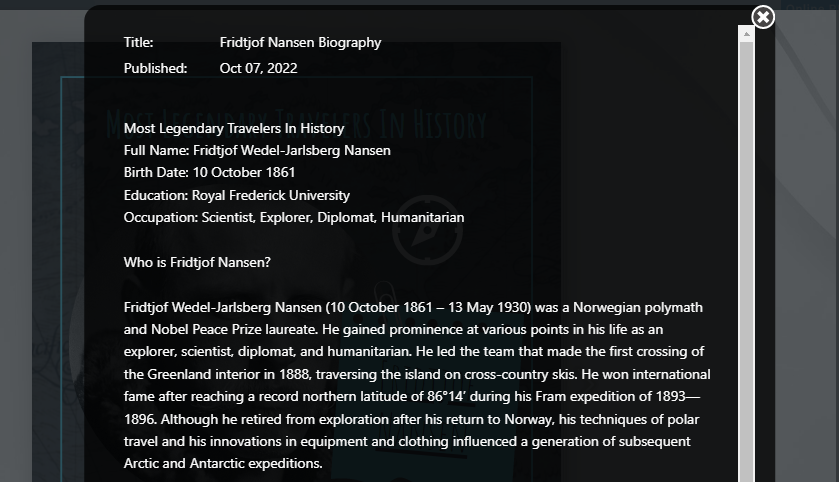
Noted; If you would like to share your publication to the community. Make sure to not insert any private information inside. Here is our community, you may see many different examples inside. And if you would like to create your own chart you can click at the below examples.
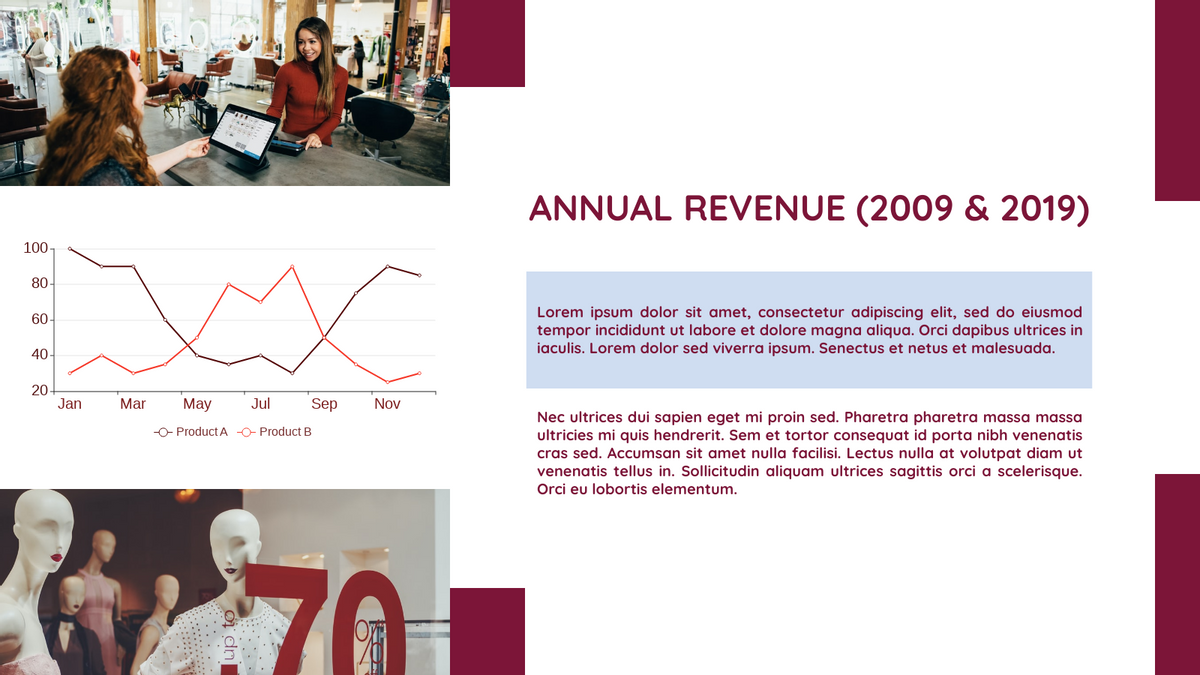
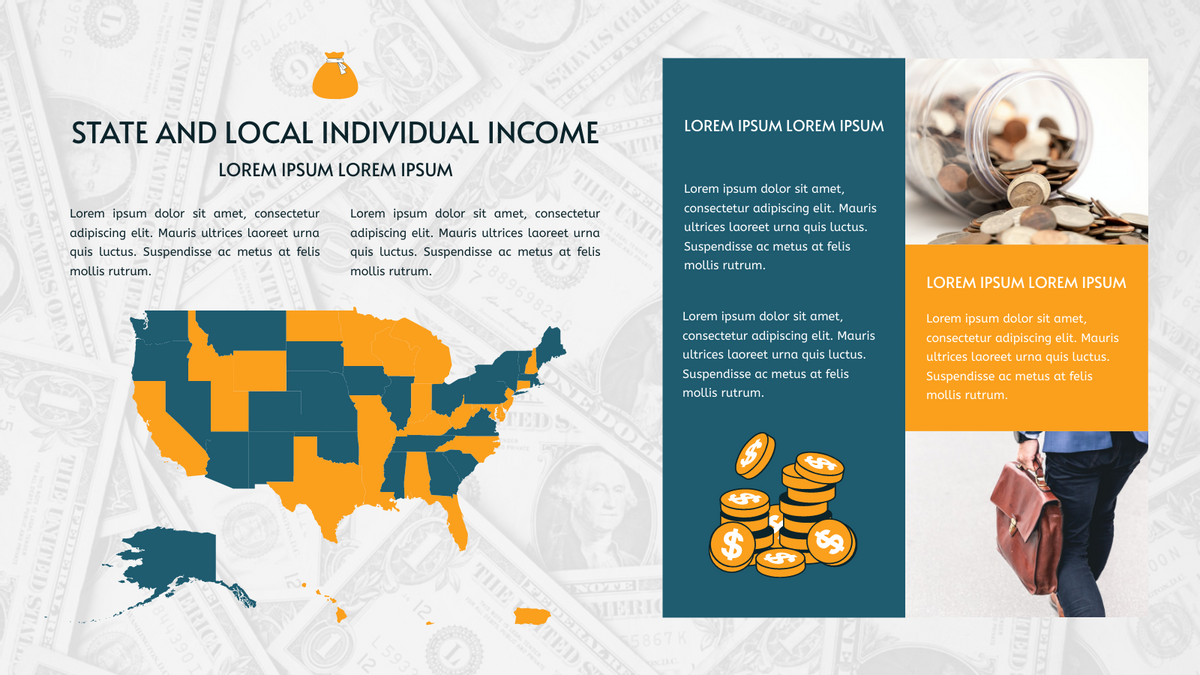
State And Local Individual Income Geo Map
This post is also available in Deutsche, Español, فارسی, Français, English, Bahasa Indonesia, 日本語, Polski, Portuguese, Ру́сский, Việt Nam, 简体中文 and 繁體中文.
