How to Use Your Own Brand Logo in the Flipbook Invite Email?
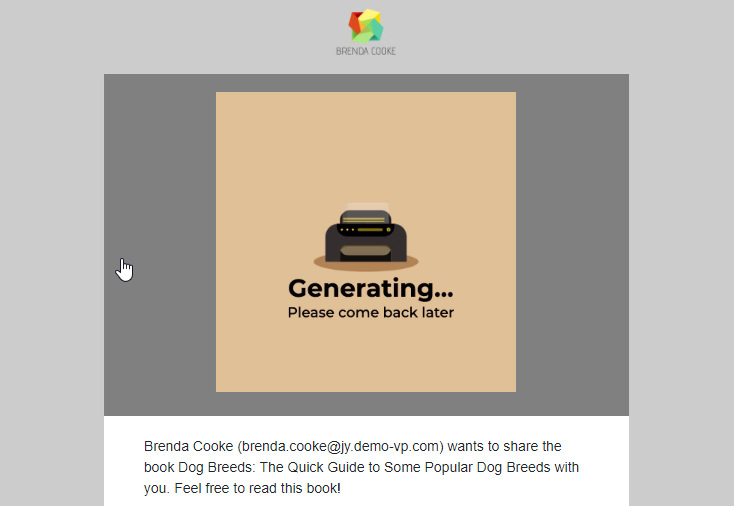
In Fliplify, you can easily create your flipbooks with various pages. Sometimes you may want to share your designed flipbook with others so that they can read your book via different channels. With Fliplify, you are allowed to share your design flipbook via Email. People who receive your email can open your designed flipbook on the website. You can freely edit the content of the email for your flipbook. You can even apply your brand logo on the email for inviting someone to read your book online. Here is a tutorial for you…continue reading →