Read A Flipbook In Full Screen
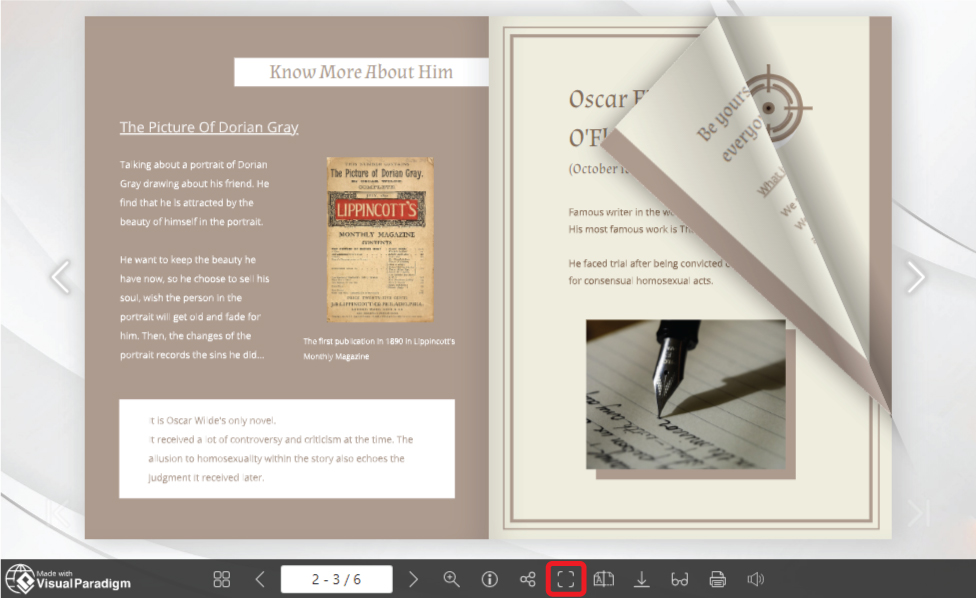
Fliplify allows you to create and display it in an interesting way. As it is named "flipbook", we can flip the page just like we are reading an entity book. In order not to let the browser interfere with the pleasure of reading a flipbook, we can choose to read it in full screen. https://www.youtube.com/watch?v=5o3rbQkt040&width=854&height=480 How To Read A Flipbook In Full Screen After entering the page of the flipbook, we can see that there are a toolbar below the book. On the right of it, there is a button called " Full…continue reading →